Les publications Viva Engage, à la une. à l'honneur.
Affichez les conversations Viva Engage, les mises en avant de collaborateurs et les publications sur la culture d'entreprise sur des écrans d'affichage dynamique dans tout votre environnement de travail.
La communauté collaborateurs sur chaque écran
Viva Engage (anciennement Yammer) est le réseau social collaborateurs intégré à Microsoft 365. Hangar.Media affiche les publications communautaires, les conversations et les mises en avant de collaborateurs sur des écrans d'affichage dynamique, rendant ainsi l'énergie et la culture de votre organisation visibles dans chaque bureau, salle de pause et hall d'accueil. Célébrez les succès, partagez les histoires et gardez votre communauté connectée.
Ce que vous pouvez faire avec à l'honneur.
Trois fonctionnalités qui rendent cette intégration indispensable pour votre réseau d'affichage dynamique.
Publications de communauté en direct sur l'écran
Affichez un flux en direct de publications de communauté Viva Engage sur vos écrans d'affichage dynamique. Les publications avec images, texte et réactions défilent ou se succèdent à l'écran, offrant à l'ensemble du bureau une visibilité sur les conversations qui animent l'organisation.
Votre communauté de collaborateurs, visible sur chaque mur.
Flux de publications de communauté en direct
Rendu des images et du texte enrichi
Compteurs de réactions et indicateurs d'engagement
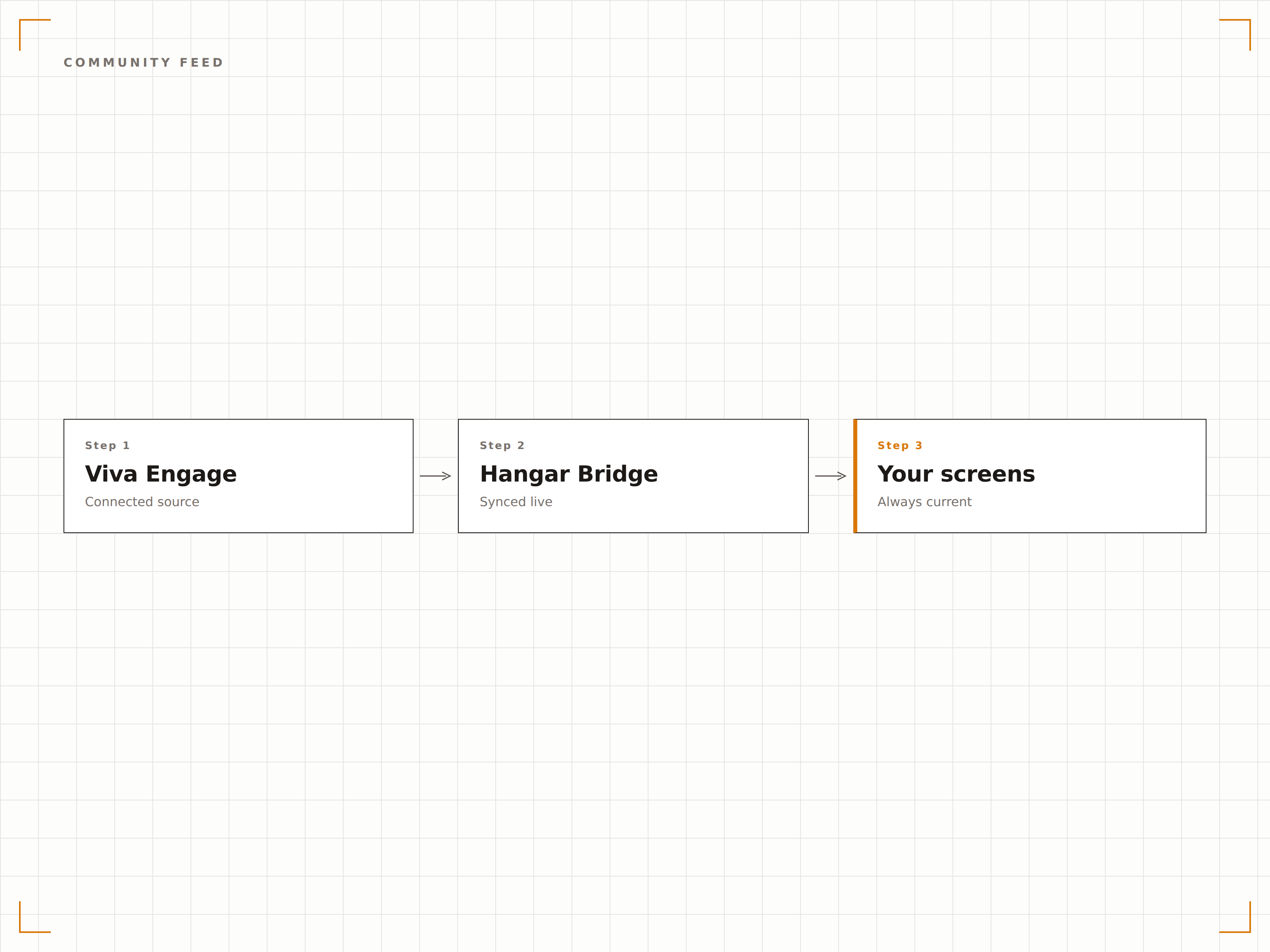
Mises en avant des collaborateurs à l'écran
Filtrez les publications Viva Engage par hashtags de reconnaissance ou communautés de félicitations pour afficher les mises en avant des collaborateurs sur vos écrans d'affichage dynamique. Anniversaires professionnels, victoires d'équipe et mentions apparaissent sur grand écran pour que tout le bureau puisse les voir.
La reconnaissance des collaborateurs mise en valeur sur grand écran.
Filtrage par hashtags de reconnaissance
Mises en avant des anniversaires de travail et des jalons
Affichage des célébrations d'équipe et des mentions
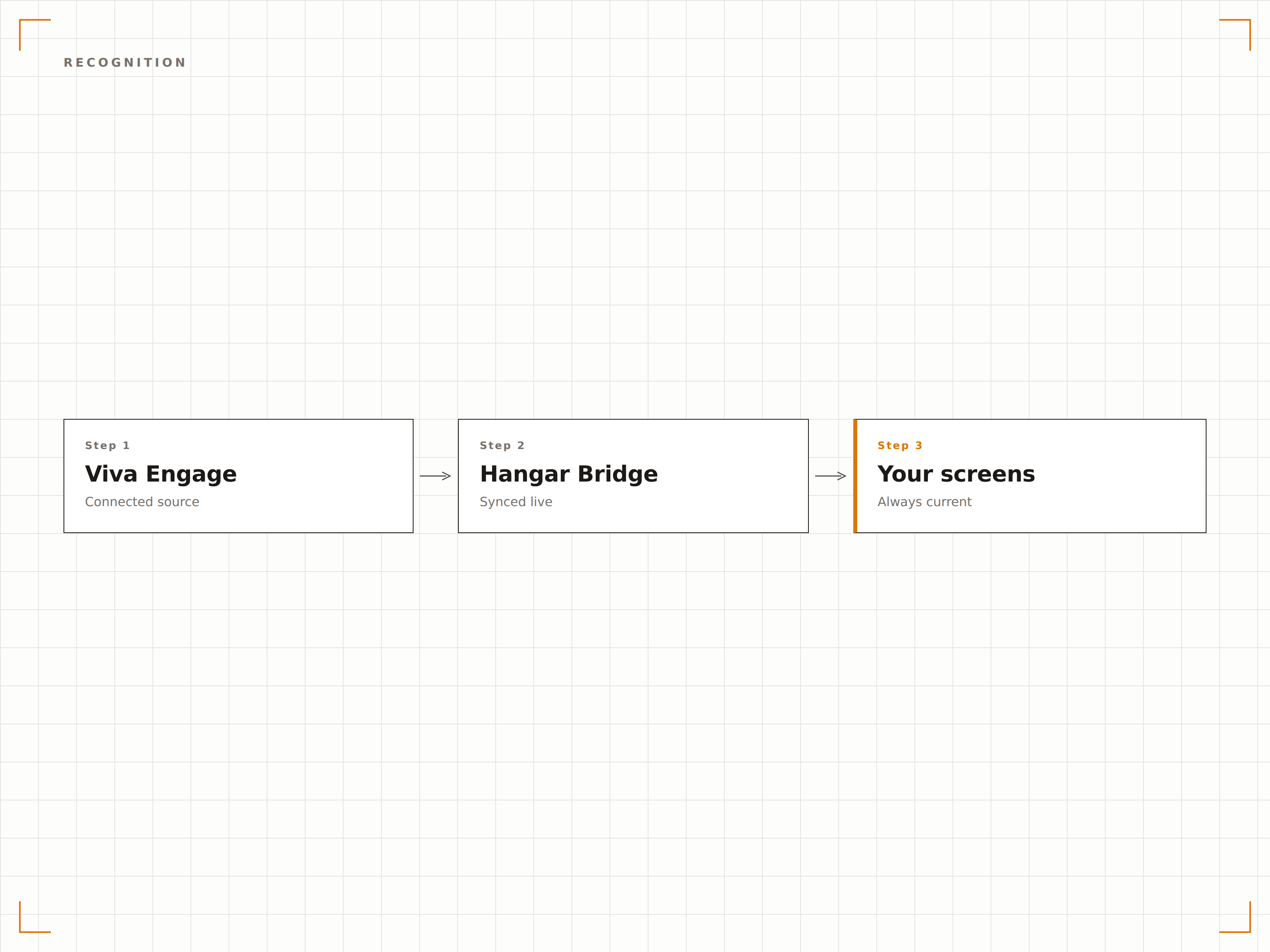
Contenu de communauté sélectionné
Choisissez les communautés Viva Engage spécifiques à afficher sur vos écrans d'affichage dynamique. Montrez la communauté générale de l'entreprise dans le hall d'accueil, la communauté ingénierie sur le plateau technique, et les publications du comité social dans la salle de pause. Chaque écran reçoit le contenu de communauté qui lui correspond.
Le bon contenu de communauté sur le bon écran.
Sélection de communauté par écran
Filtrage du contenu par hashtag
Contrôles de modération pour le contenu d'affichage dynamique
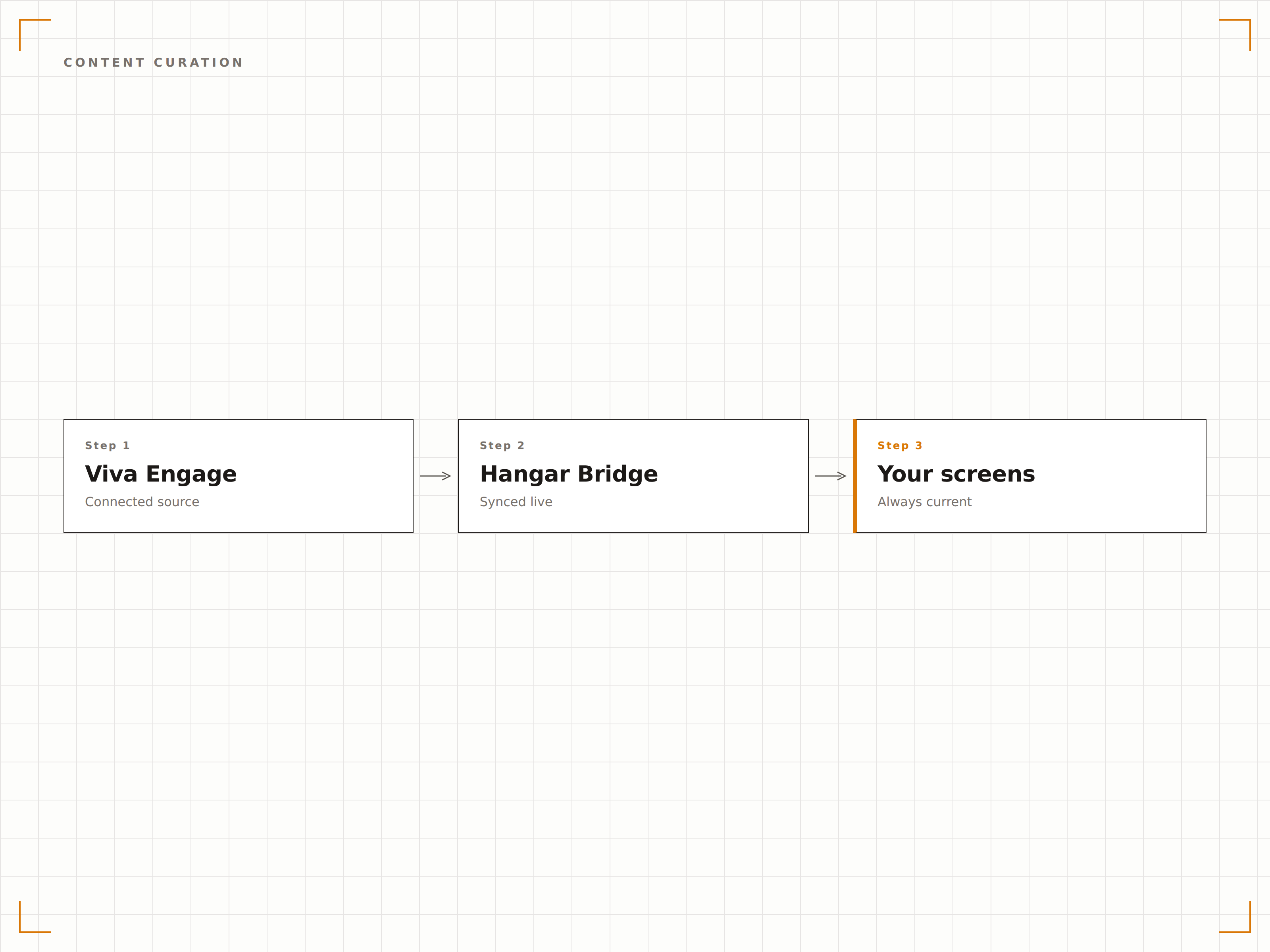
Quatre étapes vers écrans connectés.
De la configuration au contenu en direct en quelques minutes, pas en jours.
Connecter Viva Engage
Authentifiez-vous avec Microsoft 365 et accordez à Hangar.Media un accès en lecture à vos communautés Viva Engage.
Sélectionner les communautés
Choisissez les communautés ou hashtags Viva Engage à afficher sur chaque écran d'affichage dynamique.
Configurer l'affichage
Définissez la durée d'affichage des publications, le style du flux, les filtres de contenu et les règles de modération.
Publier
Assignez les flux Viva Engage aux écrans du hall d'accueil, de la salle de pause et des open spaces.
Conçu pour chaque secteur.
Découvrez comment différents secteurs utilisent cette intégration pour obtenir des résultats.
Mur de culture
Affichez les temps forts de la communauté Viva Engage, la reconnaissance des collaborateurs et les célébrations d'équipe sur un écran dédié au mur de culture dans le hall d'accueil.
SantéTableau de reconnaissance du personnel
Affichez les publications de reconnaissance des collaborateurs, les anniversaires de service et les mises en avant d'équipe depuis Viva Engage sur les écrans des espaces communs du personnel hospitalier.
ÉducationFlux de communauté du corps enseignant
Affichez les publications de la communauté enseignante, les actualités de recherche et les informations départementales depuis Viva Engage sur les écrans des salles des professeurs et des bâtiments administratifs.
Commerce de détailCélébrations d'équipe
Affichez les publications de reconnaissance au niveau du magasin, les jalons de vente et les photos d'équipe depuis Viva Engage sur les écrans en arrière-boutique de vos points de vente.
Questions fréquentes. Réponses directes : réponses.
Viva Engage est-il la même chose que Yammer ?
Oui. Microsoft a renommé Yammer en Viva Engage en 2023, dans le cadre de la plateforme d'expérience collaborateur Microsoft Viva. L'intégration Hangar.Media fonctionne aussi bien avec Viva Engage qu'avec les communautés Yammer existantes.
Puis-je modérer les publications affichées sur l'écran d'affichage dynamique ?
Oui. Vous pouvez filtrer les publications par communauté, hashtag, auteur ou type de contenu. Vous pouvez également activer une file de modération dans laquelle les publications doivent être approuvées avant d'apparaître sur l'écran d'affichage dynamique.
Les spectateurs ont-ils besoin d'une licence Viva Engage pour voir les publications sur l'écran ?
Non. L'écran d'affichage dynamique présente le contenu Viva Engage via l'intégration Hangar.Media. Toute personne devant l'écran peut voir les publications sans avoir besoin de sa propre licence Microsoft 365 ou Viva.
Puis-je afficher Viva Engage et les messages Teams sur le même écran ?
Oui. Vous pouvez ajouter des flux de communauté Viva Engage et des messages de canaux Teams dans la même playlist Hangar.Media, pour créer un affichage de communication interne complet.
Un seul tarif. La plateforme complète.
C'est ainsi que nous pensons que l'affichage dynamique devrait fonctionner. Éditeur de contenu, gestion des écrans et plus de 200 intégrations d'applications — tout inclus dès le premier jour.
14 jours gratuits, jusqu'à 3 écrans — sans carte bancaire.