Publicaciones de Viva Engage en pantalla.
Muestra conversaciones de la comunidad de Viva Engage, destacados de empleados y publicaciones sobre la cultura de la empresa en pantallas de señalización digital en todo tu lugar de trabajo.
Comunidad de empleados en cada pantalla
Viva Engage (anteriormente Yammer) es la red social de empleados dentro de Microsoft 365. Hangar.Media muestra publicaciones de la comunidad, conversaciones y destacados de empleados en pantallas de señalización digital para que la energía y la cultura de tu organización sean visibles en cada oficina, sala de descanso y recepción. Celebra los logros, comparte historias y mantén a tu comunidad conectada.
Lo que puedes hacer con en pantalla.
Tres capacidades que hacen esencial esta integración para tu red de señalización digital.
Feed de publicaciones de comunidad en vivo en pantalla
Muestra un feed en vivo de publicaciones de la comunidad Viva Engage en pantallas de señalización. Las publicaciones con imágenes, texto y reacciones se desplazan o rotan en la pantalla, dando a toda la oficina visibilidad sobre las conversaciones que ocurren en toda la organización.
Tu comunidad de empleados, visible en cada pared.
Feed de publicaciones de comunidad en tiempo real
Renderizado de imágenes y texto enriquecido
Contadores de reacciones e indicadores de interacción
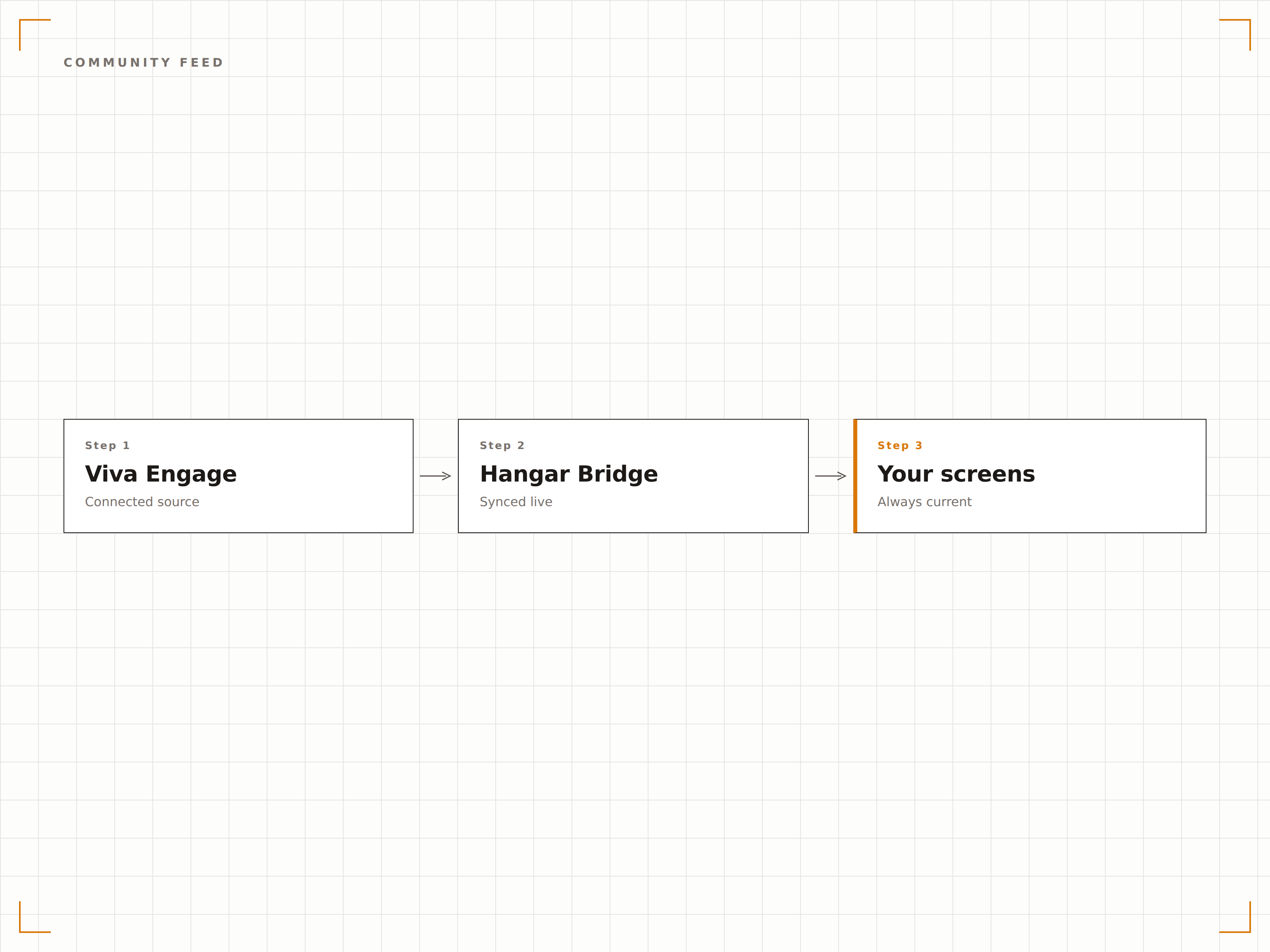
Destacados de empleados en pantalla
Filtra las publicaciones de Viva Engage por hashtags de reconocimiento o comunidades de elogios para mostrar destacados de empleados en pantallas de señalización. Los aniversarios laborales, los logros del equipo y las menciones especiales aparecen en la pantalla grande para que toda la oficina los vea.
El reconocimiento a empleados amplificado en la pantalla grande.
Filtrar por hashtags de reconocimiento
Destacados de aniversarios laborales e hitos
Pantalla de celebraciones de equipo y menciones especiales
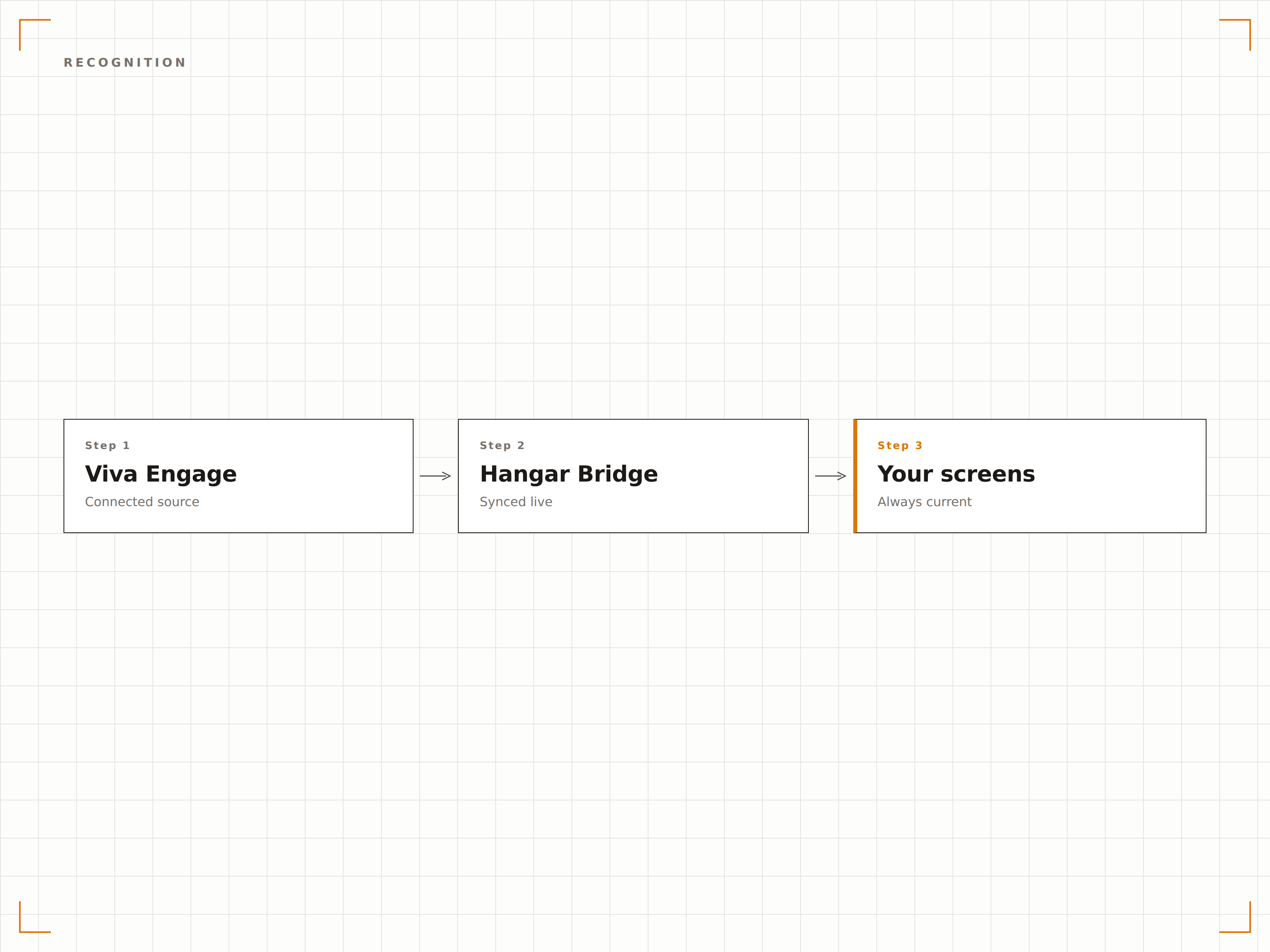
Contenido de comunidad curado
Selecciona comunidades específicas de Viva Engage para mostrar en pantallas de señalización. Muestra la comunidad general de la empresa en el vestíbulo, la comunidad de ingeniería en el piso tecnológico y las publicaciones del comité social en la sala de descanso. Cada pantalla recibe contenido de comunidad relevante.
El contenido de comunidad adecuado en la pantalla correcta.
Selección de comunidad por pantalla
Filtrado de contenido basado en hashtags
Controles de moderación para contenido de señalización
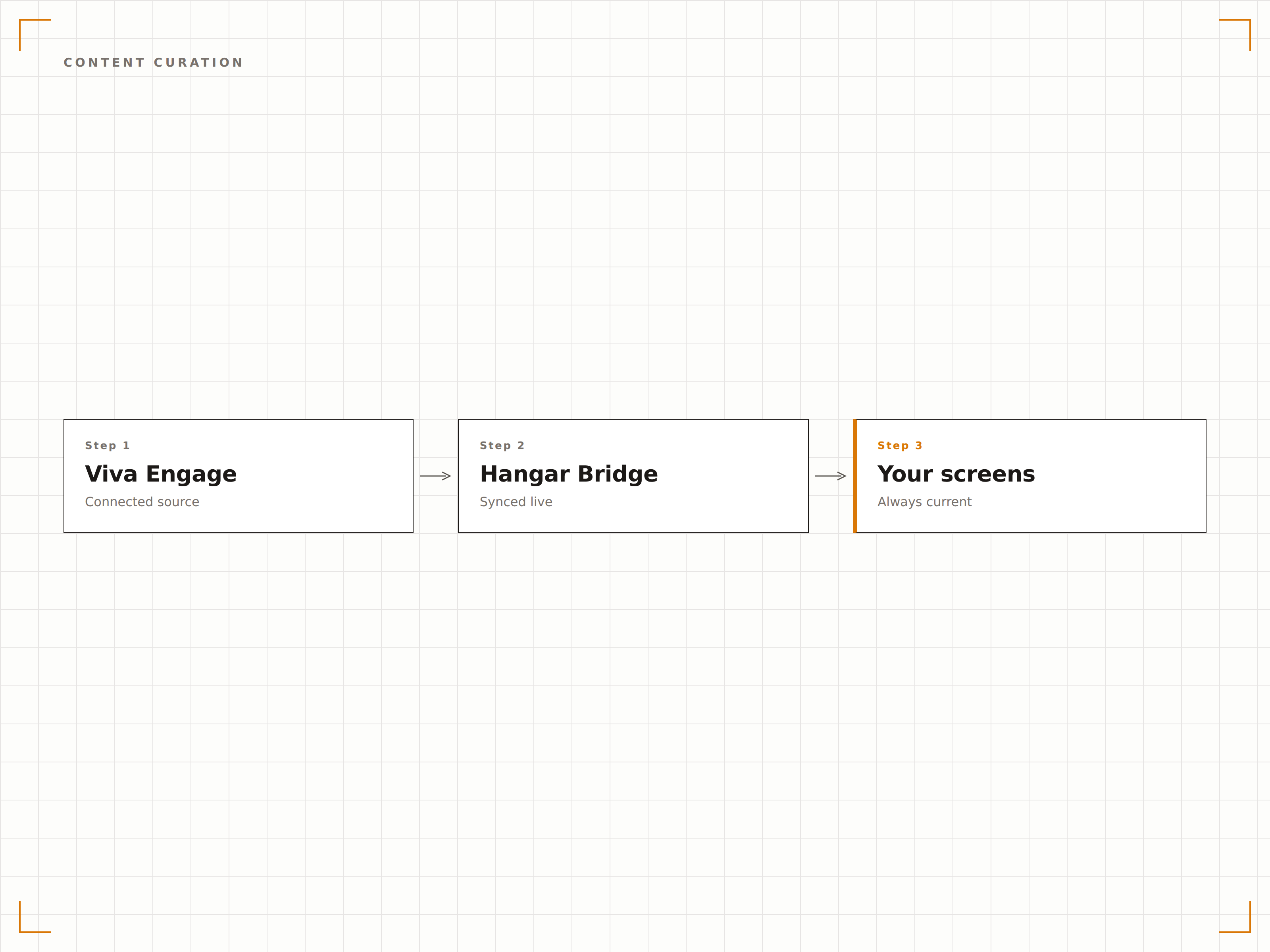
Cuatro pasos hacia pantallas conectadas.
Desde la configuración hasta contenido en vivo en minutos, no en días.
Conectar Viva Engage
Autentícate con Microsoft 365 y otorga a Hangar.Media acceso de lectura a tus comunidades de Viva Engage.
Seleccionar comunidades
Elige qué comunidades o hashtags de Viva Engage mostrar en cada pantalla de señalización.
Configurar la visualización
Define la duración de visualización de publicaciones, el estilo del feed, los filtros de contenido y las reglas de moderación.
Publicar
Asigna feeds de Viva Engage a las pantallas del vestíbulo, la sala de descanso y el piso de oficinas.
Diseñado para cada sector.
Descubre cómo distintas industrias utilizan esta integración para obtener resultados.
Muro de cultura
Muestra destacados de la comunidad Viva Engage, reconocimiento a empleados y celebraciones de equipo en una pantalla dedicada al muro de cultura en el vestíbulo de la oficina.
SaludTablero de reconocimiento al personal
Muestra publicaciones de reconocimiento a empleados, aniversarios de servicio y destacados de equipo de Viva Engage en pantallas en las áreas comunes del personal hospitalario.
EducaciónFeed de comunidad docente
Muestra publicaciones de la comunidad docente, destacados de investigación y noticias departamentales de Viva Engage en pantallas en salas de profesores y edificios administrativos.
RetailCelebraciones de equipo
Muestra publicaciones de reconocimiento a nivel de tienda, hitos de ventas y fotos de equipo de Viva Engage en pantallas en áreas internas de las ubicaciones de retail.
Preguntas frecuentes. Respuestas directas: respuestas.
¿Viva Engage es lo mismo que Yammer?
Sí. Microsoft renombró Yammer como Viva Engage en 2023 como parte de la plataforma de experiencia del empleado Microsoft Viva. La integración de Hangar.Media funciona tanto con Viva Engage como con comunidades heredadas de Yammer.
¿Puedo moderar qué publicaciones aparecen en la pantalla de señalización?
Sí. Puedes filtrar publicaciones por comunidad, hashtag, autor o tipo de contenido. También puedes activar una cola de moderación donde las publicaciones deben aprobarse antes de aparecer en la pantalla de señalización.
¿Los espectadores necesitan una licencia de Viva Engage para ver publicaciones en pantalla?
No. La pantalla de señalización muestra el contenido de Viva Engage a través de la integración de Hangar.Media. Cualquier persona que vea la pantalla puede ver las publicaciones sin necesidad de tener su propia licencia de Microsoft 365 o Viva.
¿Puedo mostrar Viva Engage junto con mensajes de Teams en la misma pantalla?
Sí. Puedes agregar tanto feeds de comunidades de Viva Engage como mensajes de canales de Teams a la misma lista de reproducción de Hangar.Media, creando una pantalla integral de comunicación interna.
Un precio. La plataforma completa.
Así es como creemos que debe funcionar la señalización digital. Editor de contenido, gestión de pantallas y más de 200 integraciones de aplicaciones — todo incluido desde el primer día.
14 días gratis, hasta 3 pantallas — sin tarjeta.