I post di Viva Engage, in bella vista. in primo piano.
Mostra le conversazioni della community di Viva Engage, i riconoscimenti ai dipendenti e i post sulla cultura aziendale sugli schermi di segnaletica digitale in tutto il tuo spazio di lavoro.
La Community dei Dipendenti su Ogni Schermo
Viva Engage (precedentemente Yammer) è il social network aziendale all'interno di Microsoft 365. Hangar.Media visualizza post della community, conversazioni e riconoscimenti ai dipendenti sugli schermi di segnaletica digitale, rendendo visibile l'energia e la cultura della tua organizzazione in ogni ufficio, sala pausa e reception. Celebra i successi, condividi le storie e mantieni la tua community connessa.
Cosa puoi fare con in primo piano.
Tre funzionalità che rendono questa integrazione indispensabile per la tua rete di segnaletica digitale.
Feed Live della Community sullo Schermo
Mostra un feed live dei post della community Viva Engage sugli schermi della segnaletica digitale. I post con immagini, testo e reazioni scorrono o si alternano sul display, offrendo a tutto l'ufficio visibilità sulle conversazioni che avvengono in tutta l'organizzazione.
La tua community aziendale, visibile su ogni schermo.
Feed live dei post della community
Rendering di immagini e testo ricco
Conteggio delle reazioni e indicatori di engagement
Highlights dei Dipendenti in Evidenza
Filtra i post di Viva Engage per hashtag di riconoscimento o community dedicate ai complimenti, per mostrare gli highlights dei dipendenti sugli schermi della segnaletica digitale. Anniversari lavorativi, successi del team e shout-out appaiono sul grande schermo per tutto l'ufficio.
I riconoscimenti ai dipendenti amplificati sul grande schermo.
Filtra per hashtag di riconoscimento
Anniversari lavorativi e traguardi personali
Celebrazioni di team e shout-out in evidenza
Contenuti della Community Selezionati
Seleziona le community Viva Engage specifiche da visualizzare sugli schermi della segnaletica digitale. Mostra la community aziendale nella hall, la community engineering al piano tech e i post del comitato sociale nella sala pausa. Ogni schermo riceve i contenuti della community più pertinenti.
I contenuti giusti della community sullo schermo giusto.
Selezione della community per schermo
Filtraggio dei contenuti tramite hashtag
Controlli di moderazione per la segnaletica digitale
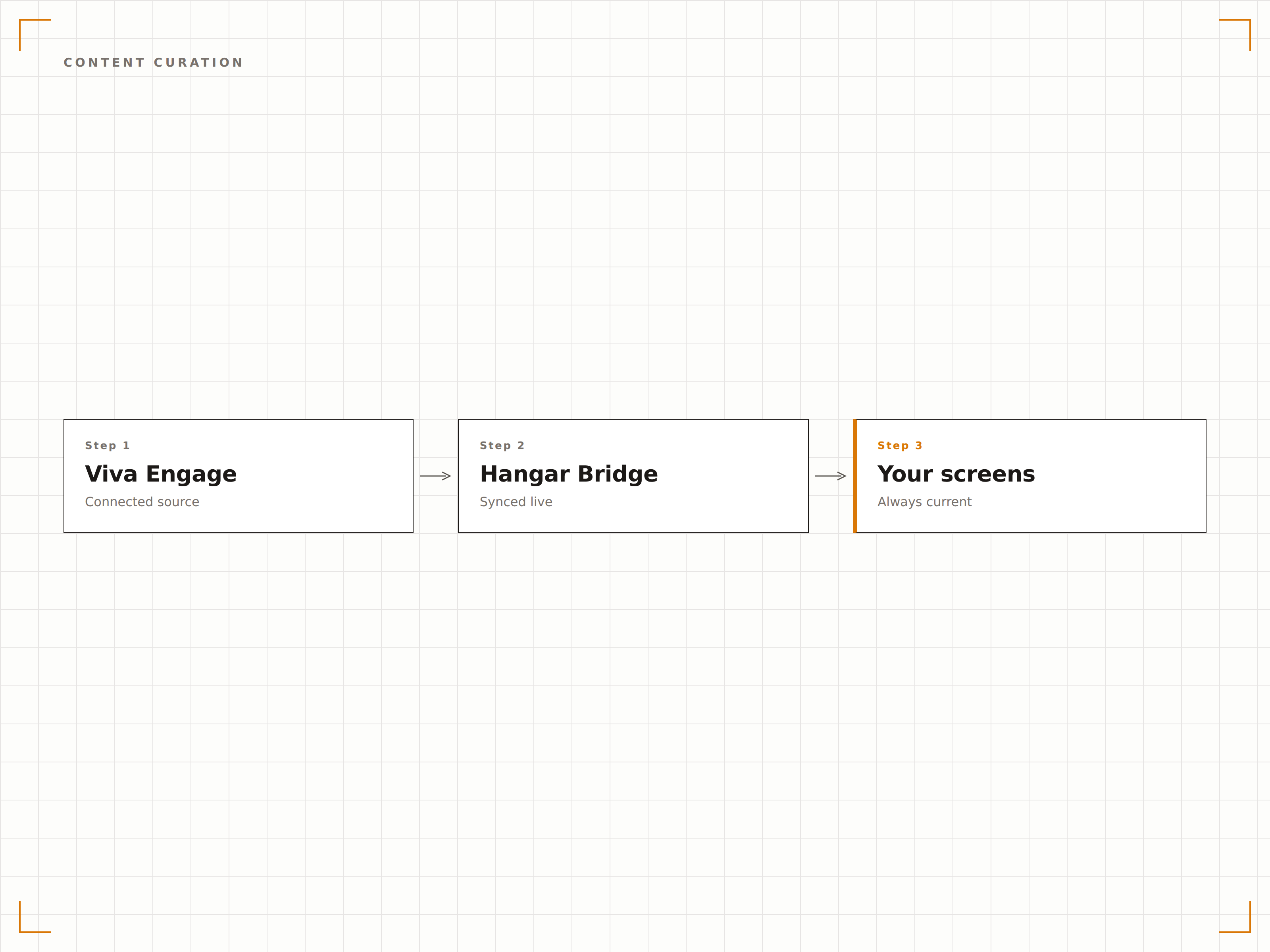
Quattro passaggi verso schermi connessi.
Dalla configurazione ai contenuti live in minuti, non giorni.
Connetti Viva Engage
Autenticati con Microsoft 365 e concedi a Hangar.Media l'accesso in lettura alle tue community Viva Engage.
Seleziona le Community
Scegli quali community o hashtag di Viva Engage visualizzare su ogni schermo della segnaletica digitale.
Configura il Display
Imposta la durata di visualizzazione dei post, lo stile del feed, i filtri sui contenuti e le regole di moderazione.
Pubblica
Assegna i feed Viva Engage agli schermi della hall, della sala pausa e degli open space.
Costruito per ogni settore.
Scopri come diversi settori utilizzano questa integrazione per ottenere risultati concreti.
Culture Wall
Mostra gli highlights della community Viva Engage, i riconoscimenti ai dipendenti e le celebrazioni del team su uno schermo dedicato alla culture wall nella hall dell'ufficio.
HealthcareBacheca dei Riconoscimenti al Personale
Mostra i post di riconoscimento ai dipendenti, gli anniversari di servizio e gli highlights del team da Viva Engage sugli schermi nelle aree comuni del personale ospedaliero.
EducationFeed della Community Docenti
Mostra i post della community docenti, gli highlights della ricerca e le notizie dipartimentali da Viva Engage sugli schermi nelle sale professori e negli edifici amministrativi.
RetailCelebrazioni del Team
Mostra i post di riconoscimento a livello di punto vendita, i traguardi di vendita e le foto del team da Viva Engage sugli schermi nelle aree riservate al personale dei negozi.
Domande frequenti. Risposte dirette risposte.
Viva Engage è la stessa cosa di Yammer?
Sì. Microsoft ha rinominato Yammer in Viva Engage nel 2023, nell'ambito della piattaforma per l'employee experience Microsoft Viva. L'integrazione Hangar.Media funziona sia con Viva Engage che con le community Yammer legacy.
Posso moderare quali post appaiono sullo schermo della segnaletica digitale?
Sì. Puoi filtrare i post per community, hashtag, autore o tipo di contenuto. Puoi anche attivare una coda di moderazione in cui i post devono essere approvati prima di apparire sullo schermo della segnaletica digitale.
I visualizzatori hanno bisogno di una licenza Viva Engage per vedere i post sullo schermo?
No. Lo schermo della segnaletica digitale mostra i contenuti di Viva Engage tramite l'integrazione Hangar.Media. Chiunque visualizzi lo schermo può vedere i post senza necessità di una propria licenza Microsoft 365 o Viva.
Posso visualizzare Viva Engage insieme ai messaggi di Teams sullo stesso schermo?
Sì. Puoi aggiungere sia i feed della community Viva Engage che i messaggi dei canali Teams alla stessa playlist Hangar.Media, creando un display completo per la comunicazione interna.
Un prezzo. L'intera piattaforma.
Così pensiamo che la segnaletica digitale dovrebbe funzionare. Editor di contenuti, gestione degli schermi e oltre 200 integrazioni di app — tutto incluso fin dal primo giorno.
14 giorni gratis, fino a 3 schermi — senza carta.