Posts do Viva Engage, em exibição. em destaque.
Exiba conversas da comunidade do Viva Engage, destaques de colaboradores e publicações sobre a cultura da empresa em telas de sinalização digital por todo o seu ambiente de trabalho.
Comunidade de Colaboradores em Cada Tela
O Viva Engage (anteriormente Yammer) é a rede social corporativa dentro do Microsoft 365. O Hangar.Media exibe publicações da comunidade, conversas e destaques de colaboradores em telas de sinalização digital para que a energia e a cultura da sua organização estejam visíveis em cada escritório, sala de descanso e recepção. Celebre conquistas, compartilhe histórias e mantenha sua comunidade conectada.
O que você pode fazer com em destaque.
Três capacidades que tornam esta integração essencial para a sua rede de sinalização digital.
Posts da Comunidade ao Vivo na Tela
Exiba um feed ao vivo de posts da comunidade Viva Engage em telas de sinalização digital. Posts com imagens, texto e reações rolam ou se alternam na tela, dando a todo o escritório visibilidade sobre as conversas que acontecem em toda a organização.
Sua comunidade de colaboradores, visível em cada parede.
Feed de posts da comunidade em tempo real
Renderização de imagens e rich text
Contagem de reações e indicadores de engajamento
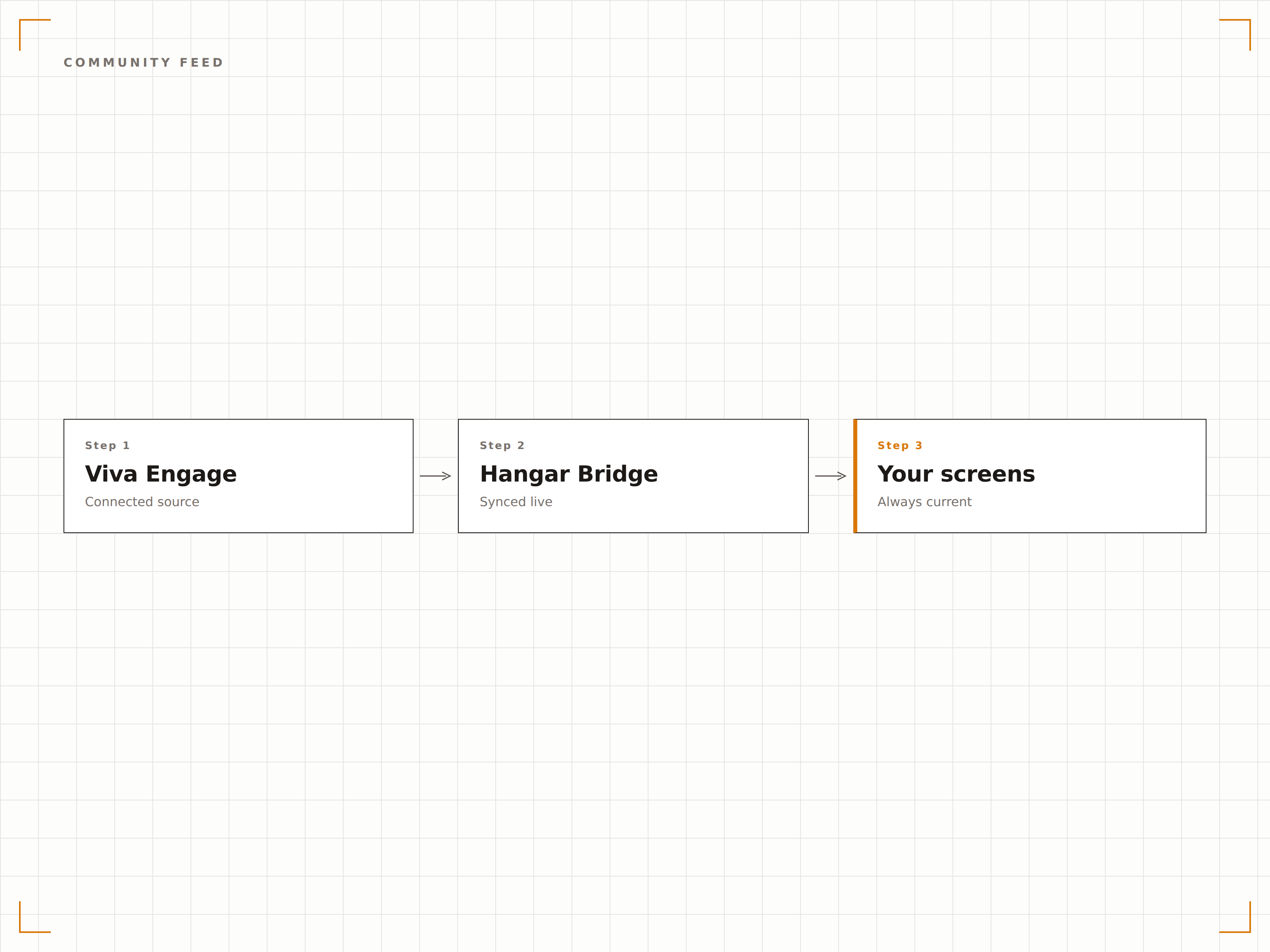
Destaques de Colaboradores em Exibição
Filtre posts do Viva Engage por hashtags de reconhecimento ou comunidades de elogios para exibir destaques de colaboradores em telas de sinalização digital. Aniversários de empresa, conquistas de equipe e elogios aparecem na telona para que todo o escritório veja.
Reconhecimento de colaboradores amplificado na telona.
Filtro por hashtags de reconhecimento
Destaques de aniversários de empresa e marcos importantes
Exibição de celebrações de equipe e elogios
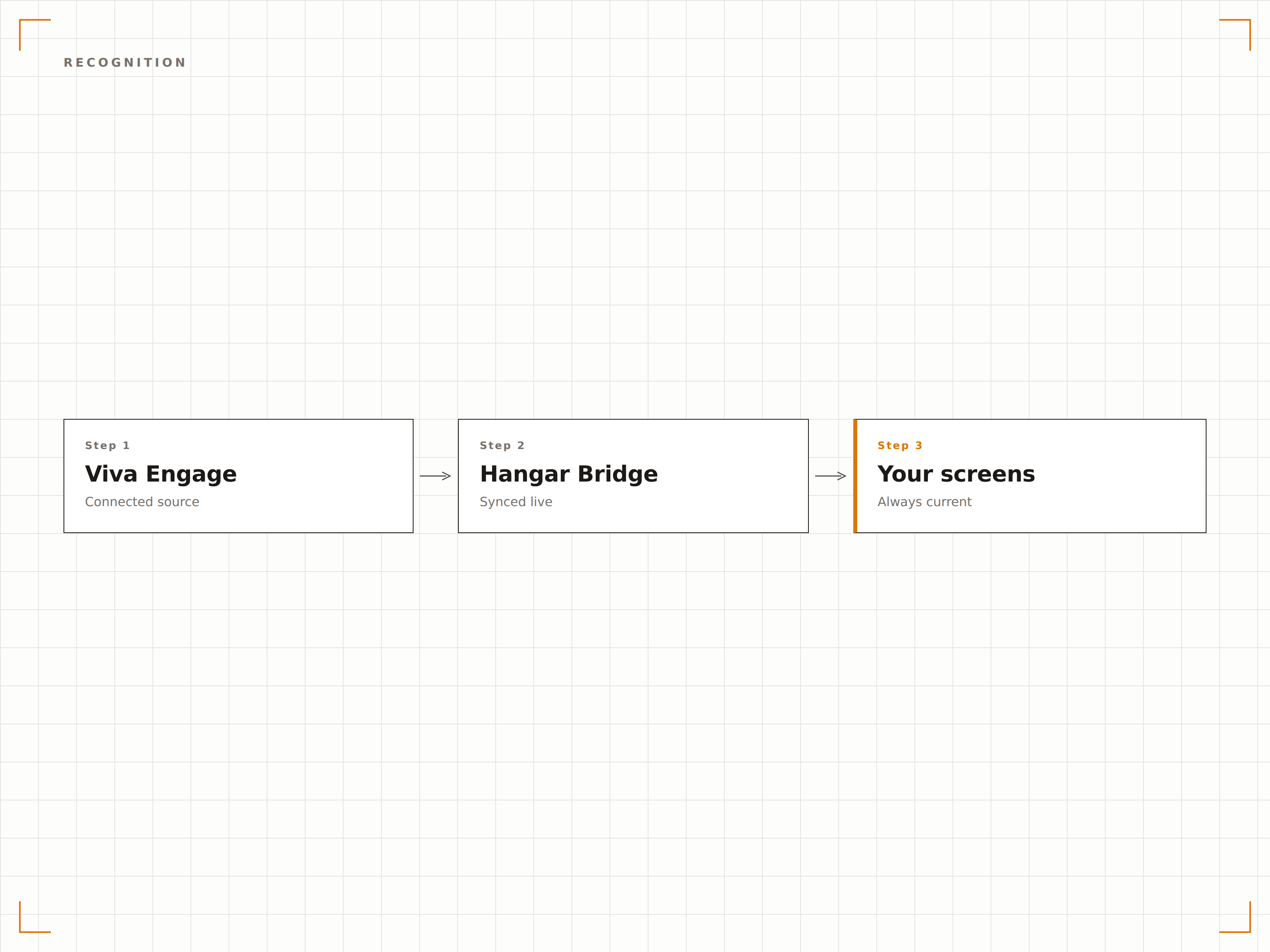
Conteúdo da Comunidade com Curadoria
Selecione comunidades específicas do Viva Engage para exibir em telas de sinalização digital. Mostre a comunidade geral da empresa no lobby, a comunidade de engenharia no andar de tecnologia e os posts do comitê social na sala de descanso. Cada tela recebe o conteúdo da comunidade mais relevante.
O conteúdo certo da comunidade na tela certa.
Seleção de comunidade por tela
Filtragem de conteúdo por hashtag
Controles de moderação para conteúdo de sinalização digital
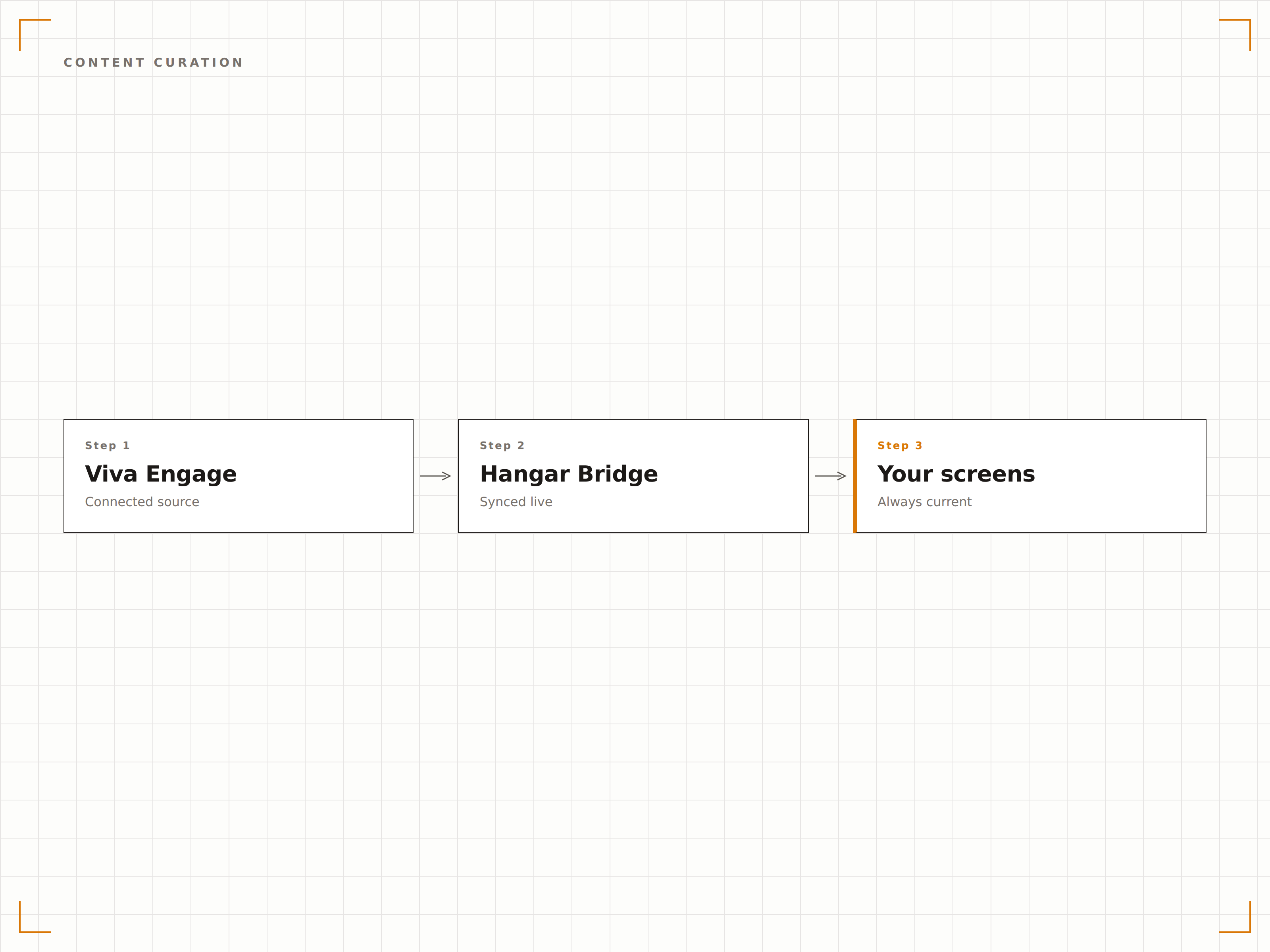
Quatro etapas para telas conectadas.
Da configuração ao conteúdo ao vivo em minutos, não dias.
Conectar o Viva Engage
Autentique-se com o Microsoft 365 e conceda ao Hangar.Media acesso de leitura às suas comunidades do Viva Engage.
Selecionar Comunidades
Escolha quais comunidades ou hashtags do Viva Engage serão exibidas em cada tela de sinalização digital.
Configurar a Exibição
Defina a duração de exibição dos posts, o estilo do feed, os filtros de conteúdo e as regras de moderação.
Publicar
Atribua feeds do Viva Engage às telas do lobby, da sala de descanso e do piso do escritório.
Feito para cada setor.
Veja como diferentes segmentos utilizam esta integração para gerar resultados.
Mural de Cultura
Exiba destaques da comunidade Viva Engage, reconhecimento de colaboradores e celebrações de equipe em uma tela dedicada ao mural de cultura no lobby do escritório.
SaúdeQuadro de Reconhecimento de Colaboradores
Exiba posts de reconhecimento de colaboradores, aniversários de serviço e destaques de equipe do Viva Engage em telas nas áreas comuns da equipe hospitalar.
EducaçãoFeed da Comunidade do Corpo Docente
Exiba posts da comunidade do corpo docente, destaques de pesquisa e notícias departamentais do Viva Engage em telas nas salas dos professores e nos prédios administrativos.
VarejoCelebrações de Equipe
Exiba posts de reconhecimento por loja, marcos de vendas e fotos de equipe do Viva Engage em telas nos bastidores de unidades de varejo.
Perguntas frequentes. Respostas diretas respostas.
O Viva Engage é o mesmo que o Yammer?
Sim. A Microsoft renomeou o Yammer como Viva Engage em 2023, como parte da plataforma de experiência do colaborador Microsoft Viva. A integração do Hangar.Media funciona tanto com o Viva Engage quanto com comunidades legadas do Yammer.
Posso moderar quais posts aparecem na tela de sinalização digital?
Sim. Você pode filtrar posts por comunidade, hashtag, autor ou tipo de conteúdo. Também é possível ativar uma fila de moderação, na qual os posts precisam ser aprovados antes de aparecerem na tela de sinalização digital.
Os espectadores precisam de uma licença do Viva Engage para ver os posts na tela?
Não. A tela de sinalização digital exibe o conteúdo do Viva Engage por meio da integração com o Hangar.Media. Qualquer pessoa que visualizar a tela poderá ver os posts sem precisar de uma licença própria do Microsoft 365 ou do Viva.
Posso exibir o Viva Engage junto com mensagens do Teams na mesma tela?
Sim. Você pode adicionar feeds de comunidades do Viva Engage e mensagens de canais do Teams à mesma playlist do Hangar.Media, criando um painel completo de comunicação interna.
Um preço. A plataforma completa.
É assim que acreditamos que a sinalização digital deve funcionar. Editor de conteúdo, gerenciamento de telas e mais de 200 integrações de aplicativos — tudo incluído desde o primeiro dia.
14 dias grátis, até 3 telas — sem cartão.