Zendesk-Metriken, live auf dem Bildschirm. Support-Transparenz.
Verbinden Sie Zendesk mit Ihrem Digital Signage und zeigen Sie Ticket-Warteschlangen, SLA-Kennzahlen, Agent-Performance und Kundenzufriedenheitswerte an. Geben Sie Support-Teams Echtzeit-Einblick in ihre Arbeitslast und Leistung.
Support-Transparenz auf jedem Bildschirm
Zendesk unterstützt den Kundendienst von Tausenden von Unternehmen. Hangar.Media verbindet sich mit Ihrer Zendesk-Instanz und zeigt wichtige Support-Kennzahlen, aktive Ticket-Warteschlangen und Team-Performance-Daten auf Bildschirmen in Ihrem Support-Center an. Agenten sehen die Warteschlangentiefe in Echtzeit, Manager verfolgen die SLA-Einhaltung, und Teams feiern gemeinsam Meilensteine bei der Kundenzufriedenheit.
Was Sie mit Support-Transparenz. tun können
Drei Funktionen, die diese Integration für Ihr Digital Signage-Netzwerk unverzichtbar machen.
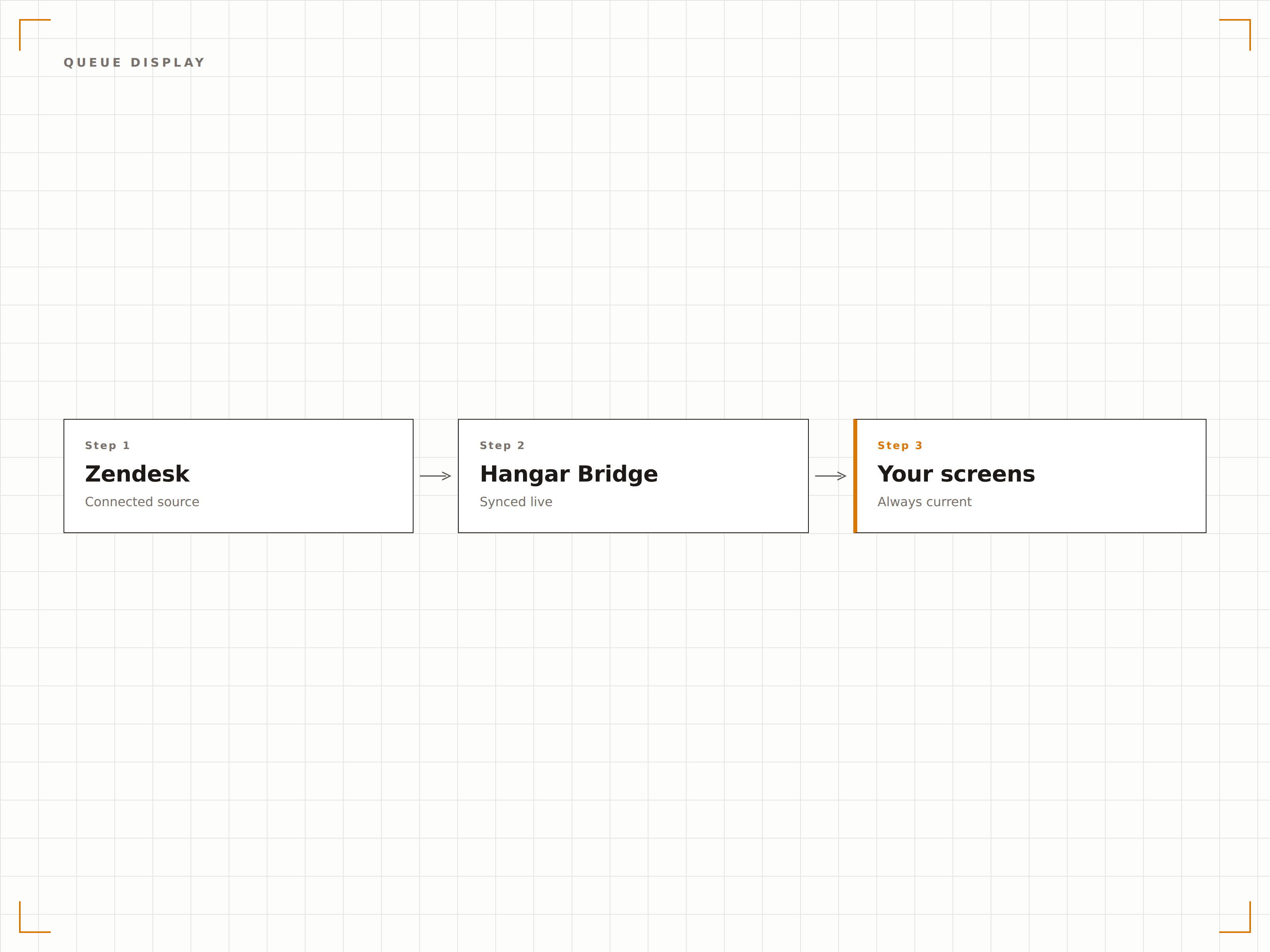
Live-Ticket-Warteschlangen-Board
Zeigen Sie die aktive Zendesk-Ticket-Warteschlange auf dem Bildschirm an – mit Ticket-Anzahl, Prioritätsaufschlüsselung, durchschnittlicher Wartezeit und dem Alter des ältesten Tickets. Farbcodierte Dringlichkeitsindikatoren helfen Agenten, ihren Fokus gezielt zu setzen.
Die Warteschlange, für jeden Agenten sichtbar.
Ticket-Anzahl nach Priorität und Kanal
Anzeige der durchschnittlichen und längsten Wartezeit
Animationen für neue Ticket-Benachrichtigungen
SLA-Compliance-Dashboard
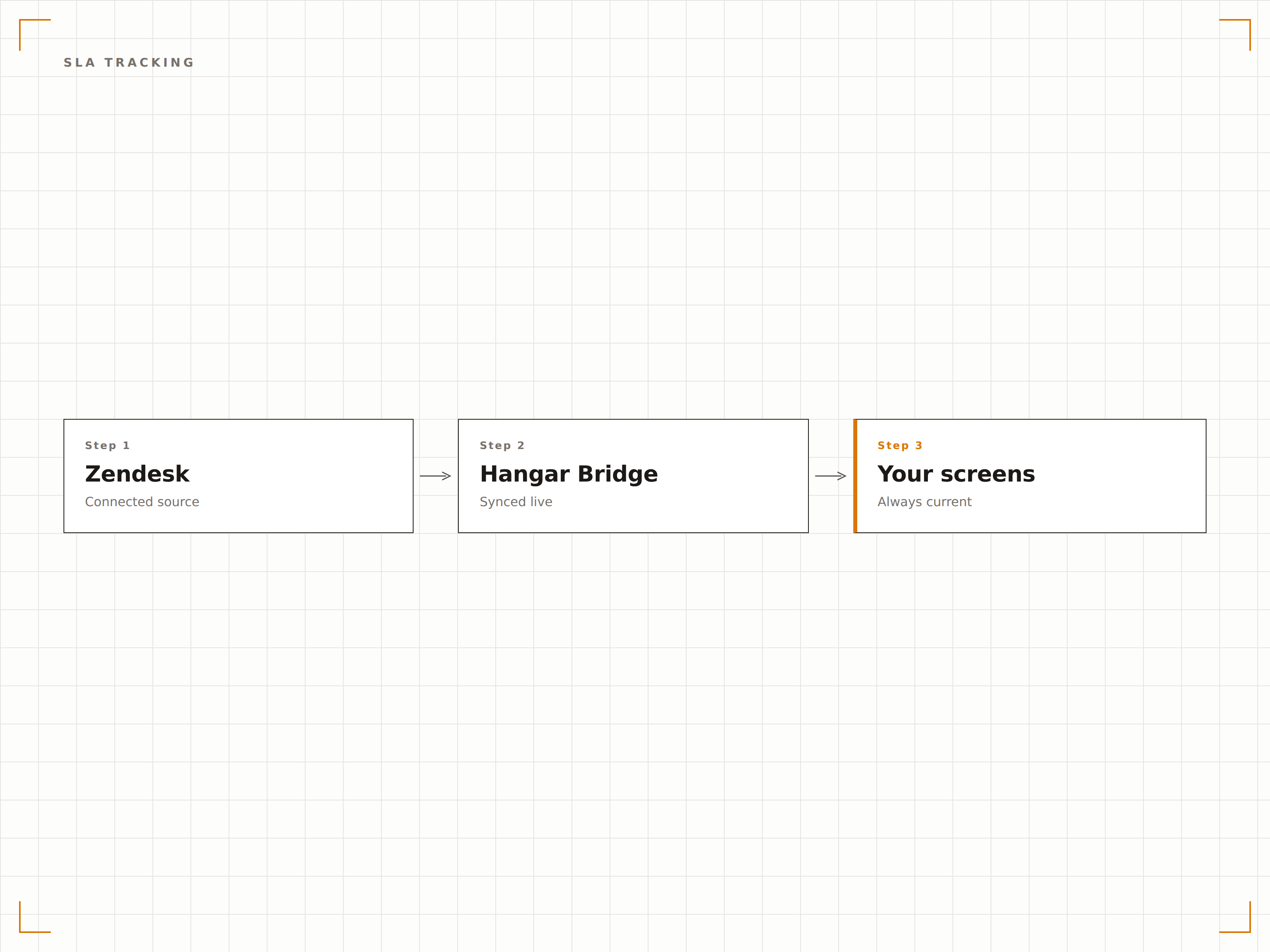
Überwachen Sie die SLA-Compliance in Echtzeit auf Ihren Support-Center-Bildschirmen. Zeigen Sie Erstantwortzeit, Lösungszeit und SLA-Verletzungswarnungen an, damit Teams Tickets mit Zielgefährdung priorisieren können.
SLA-Ziele immer im Blick.
Verfolgung von Erstantwort- und Lösungszeiten
SLA-Verletzungs-Countdown-Warnungen
Historische SLA-Compliance-Prozentsätze
Agentenleistungs-Anzeigen
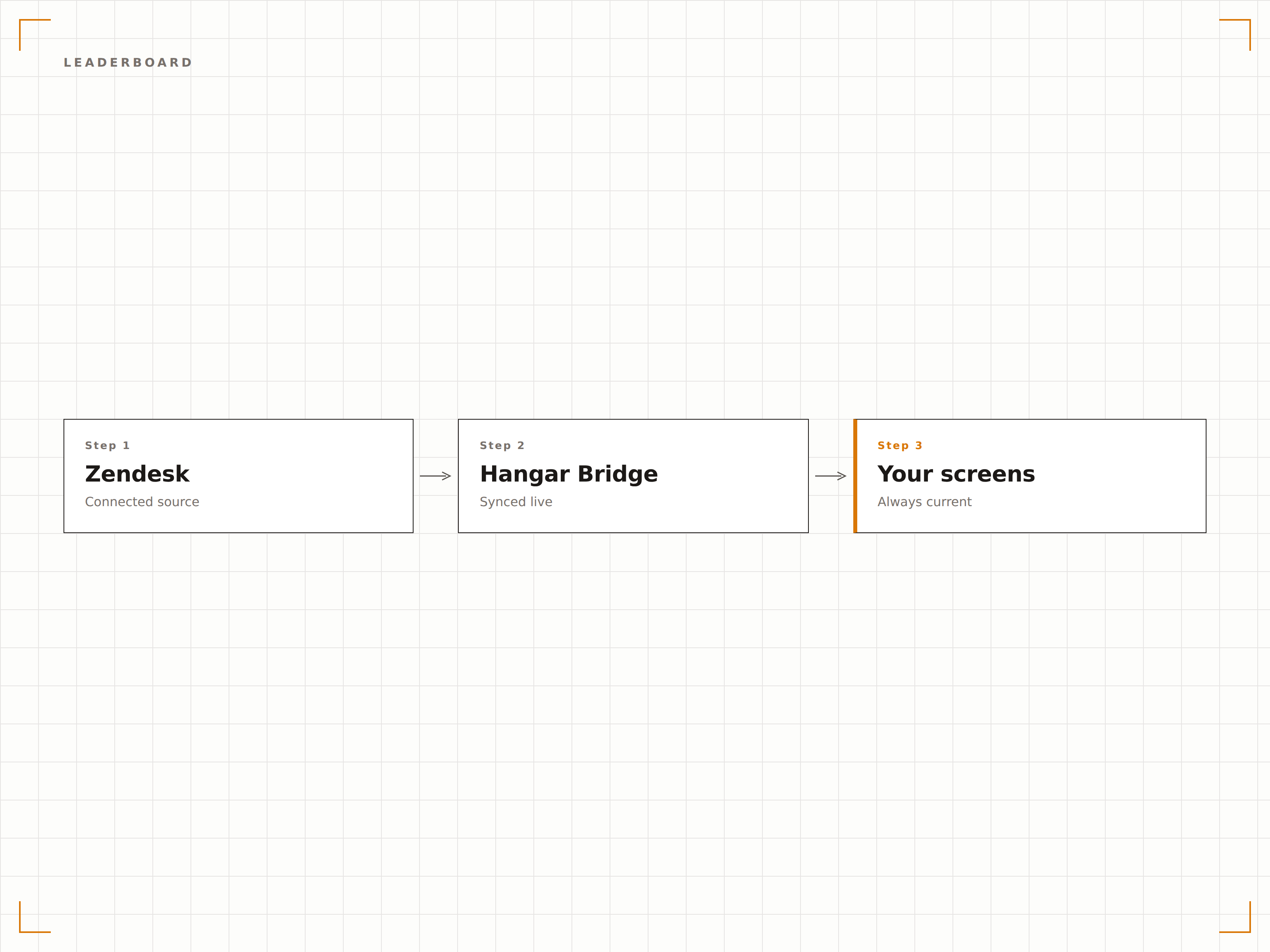
Zeigen Sie Agentenleistungs-Ranglisten mit gelösten Tickets, CSAT-Werten und Antwortzeiten an. Motivieren Sie Ihr Support-Team durch freundlichen Wettbewerb und öffentliche Anerkennung der Top-Performer.
Feiern Sie Ihre besten Agenten.
Rangliste der gelösten Tickets
Anzeige individueller CSAT-Werte
Wöchentliche und monatliche Leistungstrends
Vier Schritte zu verbundene Bildschirme.
Von der Einrichtung bis zu Live-Inhalten in Minuten, nicht Tagen.
Zendesk verbinden
Authentifizieren Sie Ihre Zendesk-Instanz mit Hangar.Media über ein API-Token oder OAuth im Integrations-Panel.
Metriken einrichten
Wählen Sie aus, welche Zendesk-Metriken angezeigt werden sollen: Warteschlangen-Statistiken, SLA-Daten, CSAT-Werte oder Agentenleistung.
Das Dashboard gestalten
Ordnen Sie Metrik-Widgets in einem Dashboard-Layout mit Farben, Schwellenwerten und Warnauslösern an.
Auf Support-Bildschirmen veröffentlichen
Veröffentlichen Sie das Zendesk-Dashboard auf Bildschirmen in Ihrem Support-Center, Managementbereich oder NOC.
Entwickelt für jeden Branche.
Erfahren Sie, wie verschiedene Branchen diese Integration nutzen, um Ergebnisse zu erzielen.
Support-Center-Wallboards
Zeigen Sie Zendesk-Warteschlangen-Metriken und SLA-Status in Echtzeit auf grossen Bildschirmen im Kundensupport-Center an, damit Agenten und Manager stets den Überblick behalten.
EinzelhandelMetriken für Kundenservice-Teams
Zeigen Sie Metriken des Kundenservice-Teams im Einzelhandel – einschliesslich Antwortzeiten, gelöster Tickets und Zufriedenheitswerte – auf Bildschirmen im Backoffice-Managementbereich an.
FinanzwesenClient-Services-Dashboard
Zeigen Sie Ticket-Warteschlangen und SLA-Compliance für Client Services auf Bildschirmen im Operationsbereich von Finanzdienstleistungsunternehmen an.
GesundheitswesenIT-Helpdesk-Warteschlangen-Anzeige
Zeigen Sie Ticket-Warteschlangen und Lösungsmetriken des IT-Helpdesks im Krankenhaus auf IT-Abteilungs-Bildschirmen an – für Workload-Management und Priorisierung.
Häufige Fragen. Direkte Antworten.
Welche Zendesk-Produkte werden unterstützt?
Die Integration unterstützt Zendesk Support (Ticket-Daten, SLA-Metriken, CSAT-Werte) und Zendesk Explore (Berichtsdaten). Zendesk Chat- und Talk-Metriken können über Explore-Berichte eingebunden werden.
Kann ich Warnmeldungen für SLA-Verletzungen einrichten?
Ja. Richten Sie visuelle Warnmeldungen ein, die ausgelöst werden, wenn Tickets Gefahr laufen, SLA-Ziele zu verletzen. Die Signage-Anzeige kann Warnungen aufblinken lassen, Farben wechseln oder Banner-Warnmeldungen anzeigen, wenn Schwellenwerte erreicht werden.
Sind individuelle Agentendaten für alle Betrachter sichtbar?
Sie bestimmen, welche Metriken angezeigt werden. Agent-Ranglisten können Namen enthalten oder anonymisiert werden. Bestimmte Bildschirme lassen sich zudem auf Management-Bereiche beschränken, um sensible Leistungsdaten zu schützen.
Wie oft werden Zendesk-Daten auf Bildschirmen aktualisiert?
Zendesk-Daten werden standardmässig alle 30 Sekunden für Warteschlangen-Metriken und alle 5 Minuten für aggregierte Statistiken wie CSAT-Trends aktualisiert. Sie können die Aktualisierungsintervalle nach Bedarf anpassen.
Ein Preis. Die gesamte Plattform.
So stellen wir uns Digital Signage vor. Inhaltseditor, Bildschirmverwaltung und 200+ App-Integrationen – alles von Anfang an inklusive.
14 Tage kostenlos, bis zu 3 Bildschirme – keine Kreditkarte erforderlich.