On-Hold trifft auf On-Screen. Einheitliches Messaging.
Synchronisieren Sie Ihr Telefon-Warteschleifensystem mit den Digital Signage Displays in Ihrer Lobby. Zeigen Sie auf den Bildschirmen, die Besucher in Ihrem Wartebereich sehen, dieselben Aktionen, Ankündigungen und Markenbotschaften, die Anrufer in der Warteschleife hören.
Eine Botschaft, zwei Kanäle, kein Aufwand.
Die Warteschleifenintegration von Hangar.Media koordiniert Ihre Telefon-Warteschleifenansagen mit Ihrem Digital Signage in der Lobby. Wenn Ihre Warteschleife eine Saisonaktion bewirbt, zeigen Ihre Lobby-Bildschirme dieselbe Aktion. Wenn sich Ihre Warteschleifenansage ändert, werden Ihre Bildschirme automatisch aktualisiert. Dieser einheitliche Ansatz stellt sicher, dass jeder Kundenkontaktpunkt dieselbe Markenbotschaft vermittelt.
Was Sie mit Einheitliches Messaging. tun können
Drei Funktionen, die diese Integration für Ihr Digital Signage-Netzwerk unverzichtbar machen.
Aufeinander abgestimmtes Audio- und Visual-Messaging
Laden Sie Ihre On-Hold-Audioskripte hoch oder verbinden Sie Ihren On-Hold-Messaging-Anbieter – und Hangar.Media generiert passende visuelle Inhalte für Ihre Lobby-Bildschirme. Saisonale Aktionen, neue Servicemeldungen und Markenbotschaften erscheinen synchron mit Ihrem Telefonsystem auf dem Bildschirm.
Was Anrufer in der Warteschleife hören, sehen Besucher auf dem Bildschirm.
Visuelle Inhalte, generiert aus On-Hold-Audioskripten
Passende Farbthemen und Werbegrafiken
Synchronisierte Update-Zeitpläne über beide Kanäle hinweg
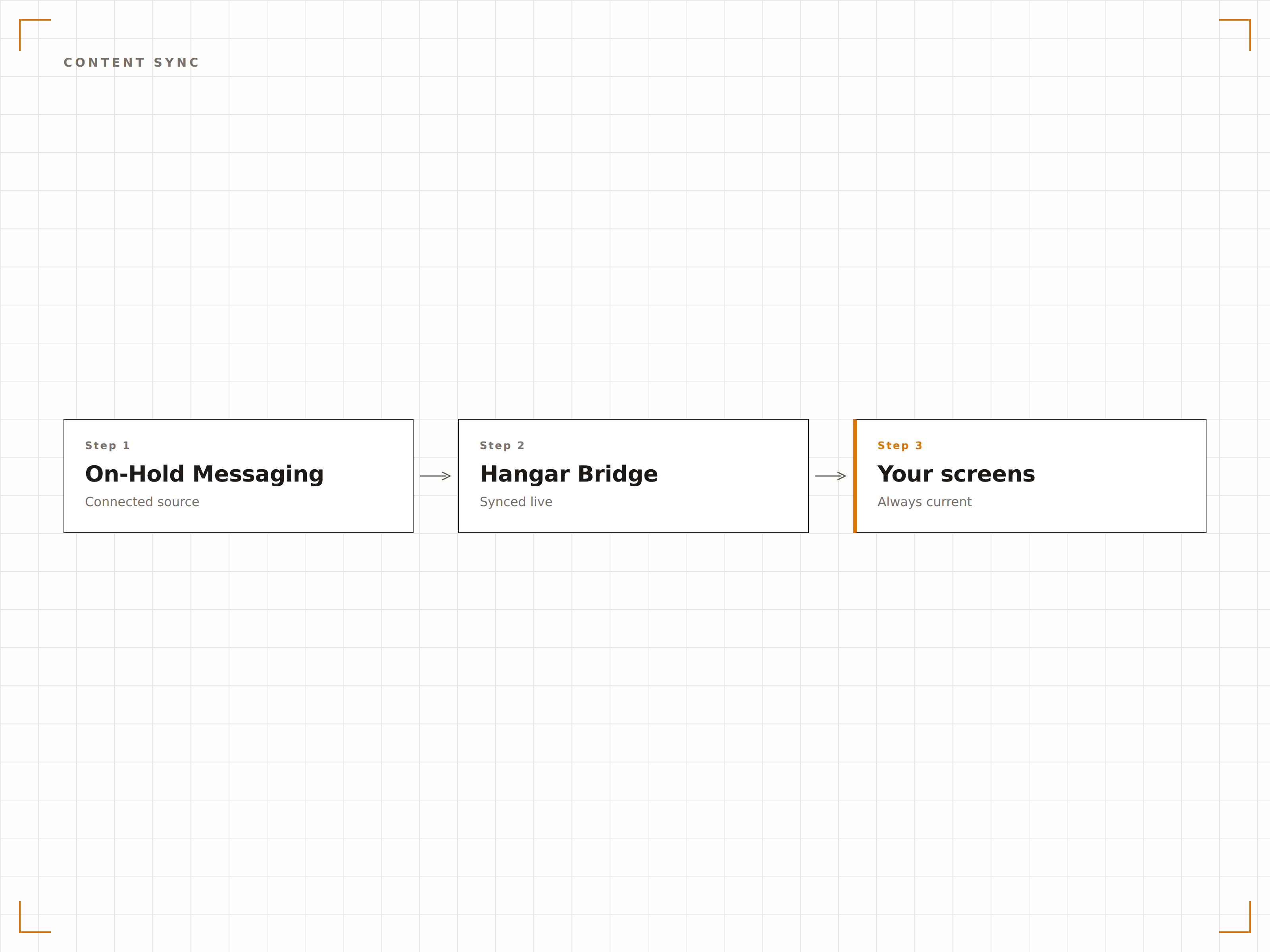
Verbinden Sie Ihren On-Hold-Messaging-Anbieter
Hangar.Media lässt sich mit gängigen On-Hold-Messaging-Anbietern integrieren, um Inhaltspläne und Messaging-Themen automatisch abzurufen. Wenn Ihr Anbieter Ihre Warteschleifenmusik und -nachrichten aktualisiert, werden die entsprechenden Bildschirminhalte ohne manuellen Eingriff ebenfalls aktualisiert.
Ihr On-Hold-Anbieter aktualisiert das Audio – wir aktualisieren die Bildschirme.
API-Verbindungen zu führenden On-Hold-Messaging-Anbietern
Automatische Inhaltsaktualisierung bei Änderungen des Audio-Messagings
Unterstützung für saisonale und Kampagne-basierte Inhaltsrotationen
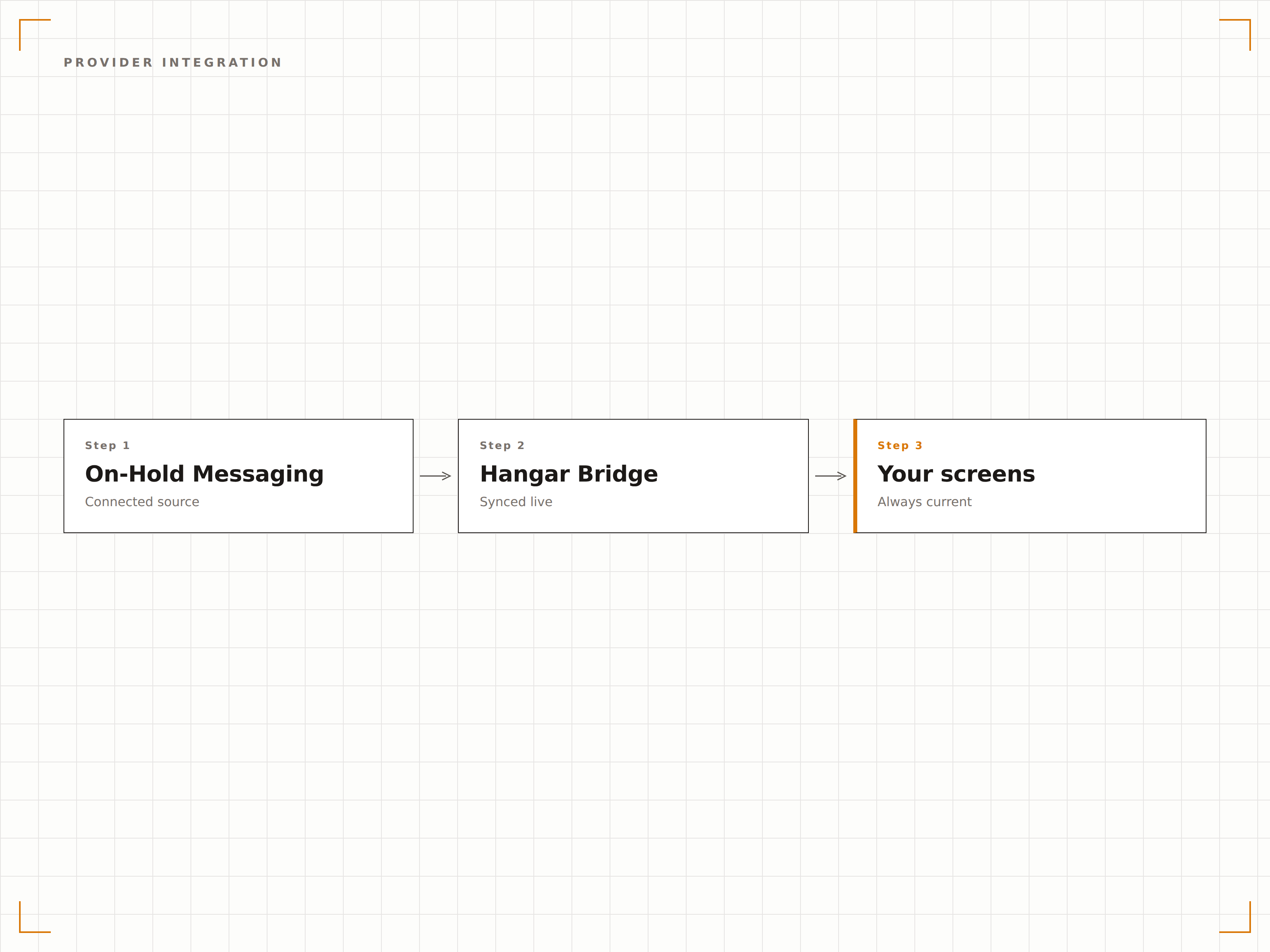
Verbessertes Wartezimmer-Erlebnis
Verwandeln Sie Ihren Wartebereich, indem Sie auf Bildschirmen dieselben nützlichen Informationen zeigen, die Anrufer in der Warteschleife hören. Servicezeiten, Standortinformationen, neue Angebote und Werbedetails sind für Laufkundschaft sichtbar, die nie zuvor angerufen hat.
Laufkundschaft erhält dieselbe Markenbotschaft wie Telefonkunden.
Serviceinformationen und Öffnungszeiten visuell dargestellt
Neue Service- und Produktankündigungen auf Lobby-Bildschirmen
Wartezeit-Schätzungen kombiniert mit On-Hold-Messaging-Themen
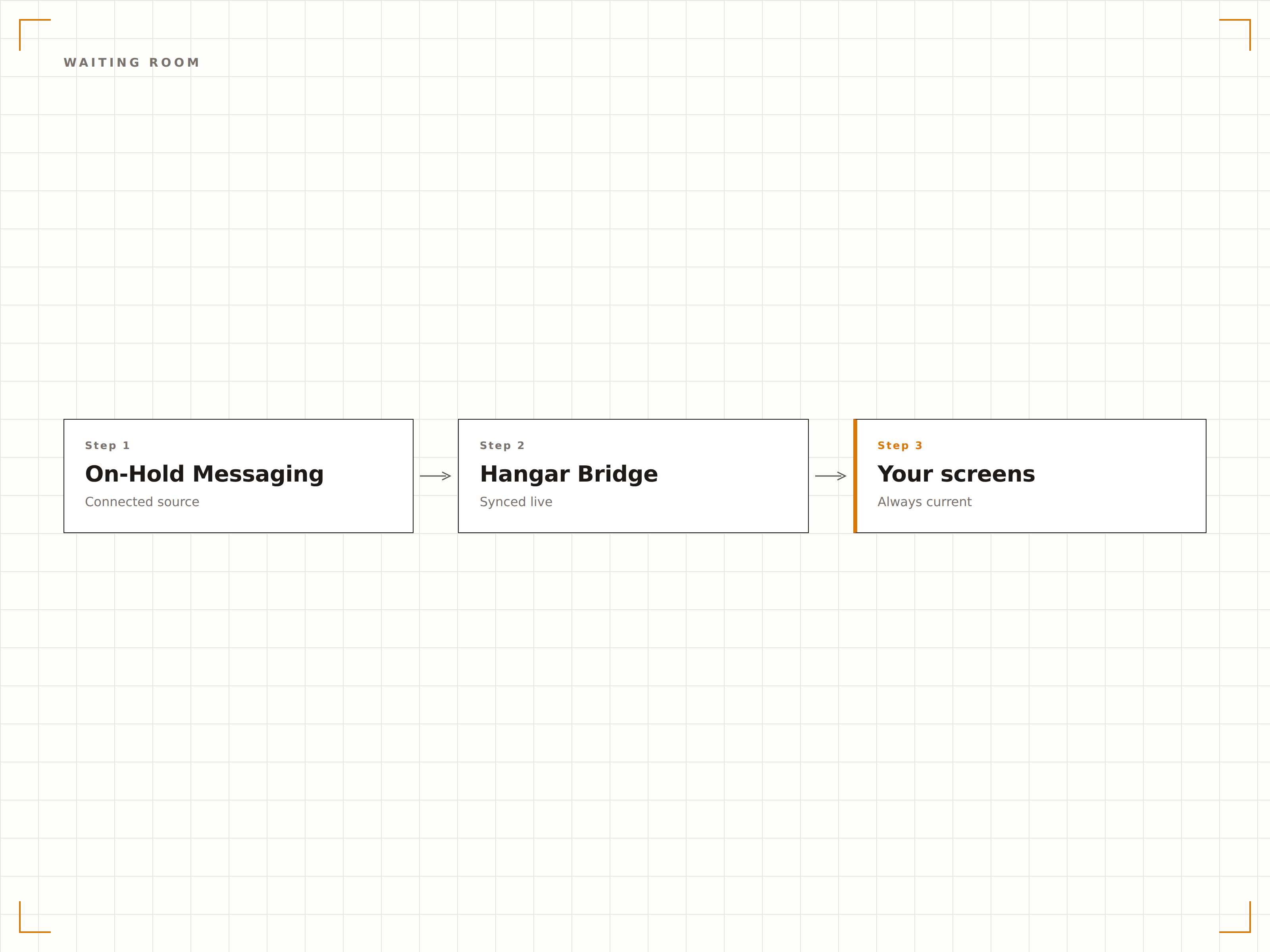
Vier Schritte zu verbundene Bildschirme.
Von der Einrichtung bis zu Live-Inhalten in Minuten, nicht Tagen.
Verbinden Sie Ihren On-Hold-Anbieter
Verknüpfen Sie Ihr On-Hold-Messaging-Anbieterkonto oder laden Sie Ihre aktuellen On-Hold-Audioskripte in das Hangar.Media-Dashboard hoch.
Visuelle Inhalte generieren
Hangar.Media erstellt passende visuelle Inhalte für Ihre Lobby-Bildschirme basierend auf den Themen und Skripten Ihres On-Hold-Messagings.
Prüfen und anpassen
Überprüfen Sie die generierten visuellen Inhalte, passen Sie Branding-Elemente an und genehmigen Sie die abgestimmten Inhalte zur Veröffentlichung.
Synchronisierte Displays aktivieren
Veröffentlichen Sie die synchronisierten Inhalte auf Ihren Lobby-Bildschirmen – und beide Kanäle liefern automatisch konsistente Botschaften.
Entwickelt für jeden Branche.
Erfahren Sie, wie verschiedene Branchen diese Integration nutzen, um Ergebnisse zu erzielen.
Wartezimmer in Arztpraxen
Zeigen Sie auf den Wartezimmer-Bildschirmen dieselben Serviceinformationen und Gesundheitstipps, die Patienten hören, wenn sie die Praxis anrufen und in die Warteschleife gestellt werden.
FinanzwesenBankfilialen
Zeigen Sie auf den Lobby-Bildschirmen der Filiale dieselben Produktangebote und Zinsinformationen, die Kunden hören, wenn sie die Bankhotline anrufen.
EinzelhandelDisplays im Servicecenter
Zeigen Sie aktuelle Aktionen und Filialinformationen auf den Bildschirmen am Serviceschalter, die zum On-Hold-Messaging passen, das Kunden beim Anruf hören.
UnternehmenMessaging im Empfangsbereich
Zeigen Sie Unternehmensankündigungen und Besucherinformationen auf den Empfangs-Bildschirmen, die das On-Hold-Messaging für Anrufer ergänzen.
Häufige Fragen. Direkte Antworten.
Welche On-Hold-Messaging-Anbieter werden unterstützt?
Hangar.Media lässt sich mit führenden On-Hold-Messaging-Anbietern integrieren, darunter Easy On Hold, OnHold.com, Spectrio und andere mit API-Zugang. Sie können Skripte auch manuell hochladen, falls Ihr Anbieter keine API-Integration anbietet.
Wird der visuelle Inhalt gleichzeitig mit dem Audio abgespielt?
Der visuelle Inhalt entspricht dem Thema und der Botschaft Ihres On-Hold-Audios, muss jedoch nicht frame-synchronisiert sein. Beide Kanäle vermitteln dieselben Werbe- und Informationsinhalte, sodass das Markenerlebnis konsistent bleibt – unabhängig davon, über welchen Kanal der Kunde mit Ihnen in Kontakt tritt.
Kann ich auf Bildschirmen andere Inhalte verwenden als im Hold-Audio?
Ja. Obwohl die Integration auf die Synchronisierung von Inhalten ausgelegt ist, können Sie den Bildschirminhalt unabhängig davon übersteuern. Manche Unternehmen zeigen während der Geschäftszeiten abgestimmte Inhalte und nach Geschäftsschluss andere Inhalte, wenn das Telefonsystem auf die Voicemail umleitet.
Wie häufig werden Inhalte aktualisiert?
Inhalte werden aktualisiert, sobald Ihr On-Hold-Messaging-Anbieter ein Update einspielt oder Sie neue Skripte hochladen. Die meisten Unternehmen aktualisieren On-Hold-Inhalte monatlich oder quartalsweise – und die Bildschirm-Updates von Hangar.Media folgen automatisch demselben Zyklus.
Ein Preis. Die gesamte Plattform.
So stellen wir uns Digital Signage vor. Inhaltseditor, Bildschirmverwaltung und 200+ App-Integrationen – alles von Anfang an inklusive.
14 Tage kostenlos, bis zu 3 Bildschirme – keine Kreditkarte erforderlich.