xMatters-Alarme. Für jedes Team sichtbar.
Zeigen Sie xMatters-Incident-Benachrichtigungen, On-Call-Rotationspläne, Eskalationsstatus und Service-Verfügbarkeits-Dashboards auf Digital Signage Bildschirmen in Ihrem Operations Centre und auf Ihren IT-Etagen an.
Incident-Alerts und On-Call-Daten – sichtbar für alle.
Die Hangar.Media xMatters-Integration zeigt aktive Incident-Alerts, On-Call-Rotationspläne und Eskalationsstatus auf Ihren Digital Signage Bildschirmen an. Sobald xMatters eine Incident-Benachrichtigung auslöst, erscheint der Alert innerhalb von Sekunden auf den Bildschirmen Ihres Operations Centre. On-Call-Pläne zeigen, wer gerade für welchen Service verantwortlich ist, und Eskalations-Zeitlinien machen sichtbar, ob Incidents bestätigt und behoben werden.
Was Sie mit Für jedes Team sichtbar. tun können
Drei Funktionen, die diese Integration für Ihr Digital Signage-Netzwerk unverzichtbar machen.
Echtzeit-Benachrichtigungen bei Störungsmeldungen
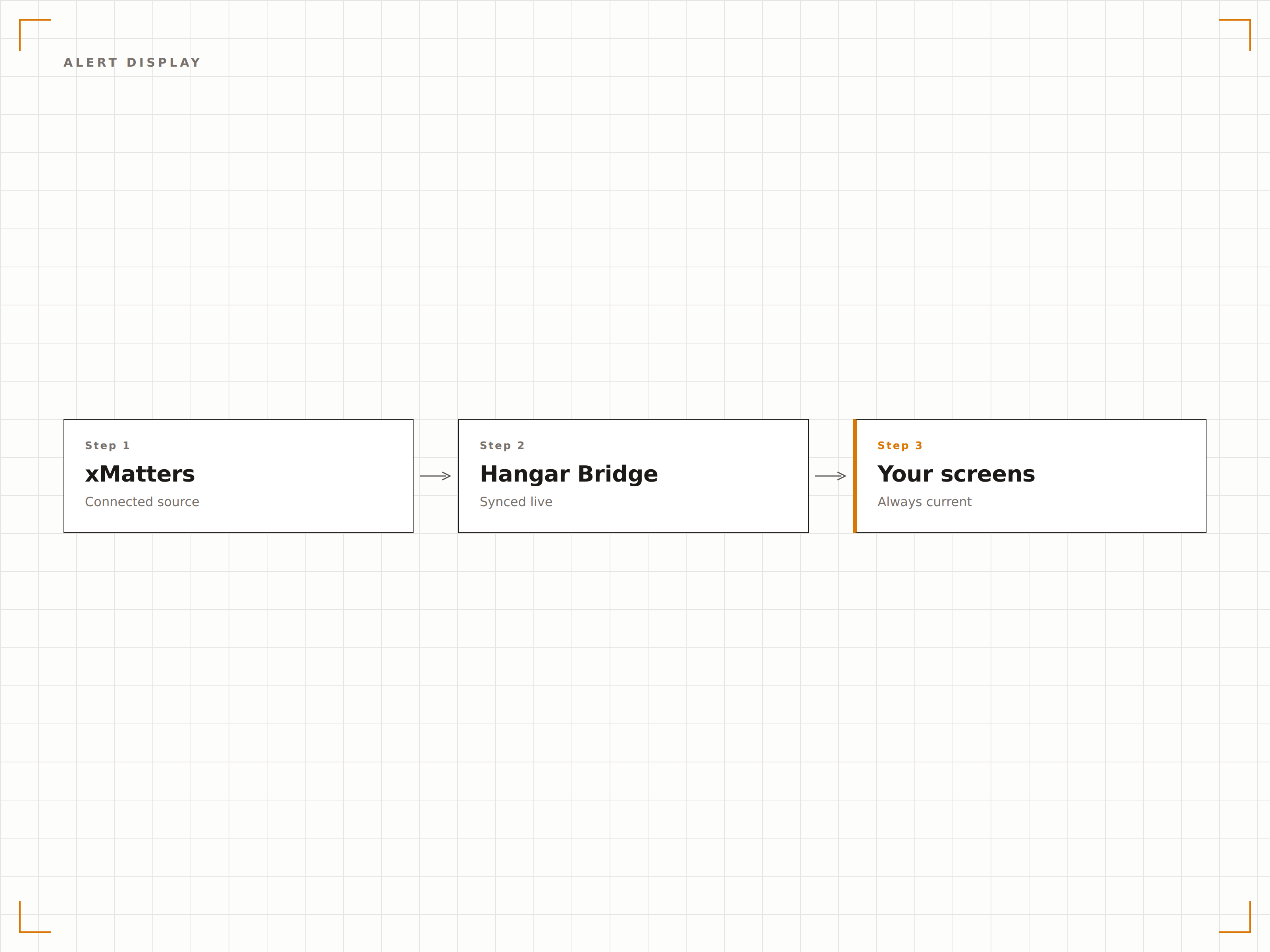
Wenn xMatters eine Störungsmeldung sendet, erscheint der Alarm innerhalb von Sekunden auf Ihren Operations-Bildschirmen. Aktive Störungen werden mit Schweregrad, betroffenem Service, zugewiesenem Responder und Laufzeit angezeigt. Behobene Störungen werden automatisch ausgeblendet, sobald sie in xMatters geschlossen werden.
Die Wand weiss von der Störung, bevor der Pager aufgehört hat zu vibrieren.
Störungsschweregrad mit farbcodierten Prioritätsindikatoren
Anzeige des betroffenen Services und des zugewiesenen Responders
Laufzeitzähler ab Störungserstellung
Anzeige des Bereitschaftsrotationsplans
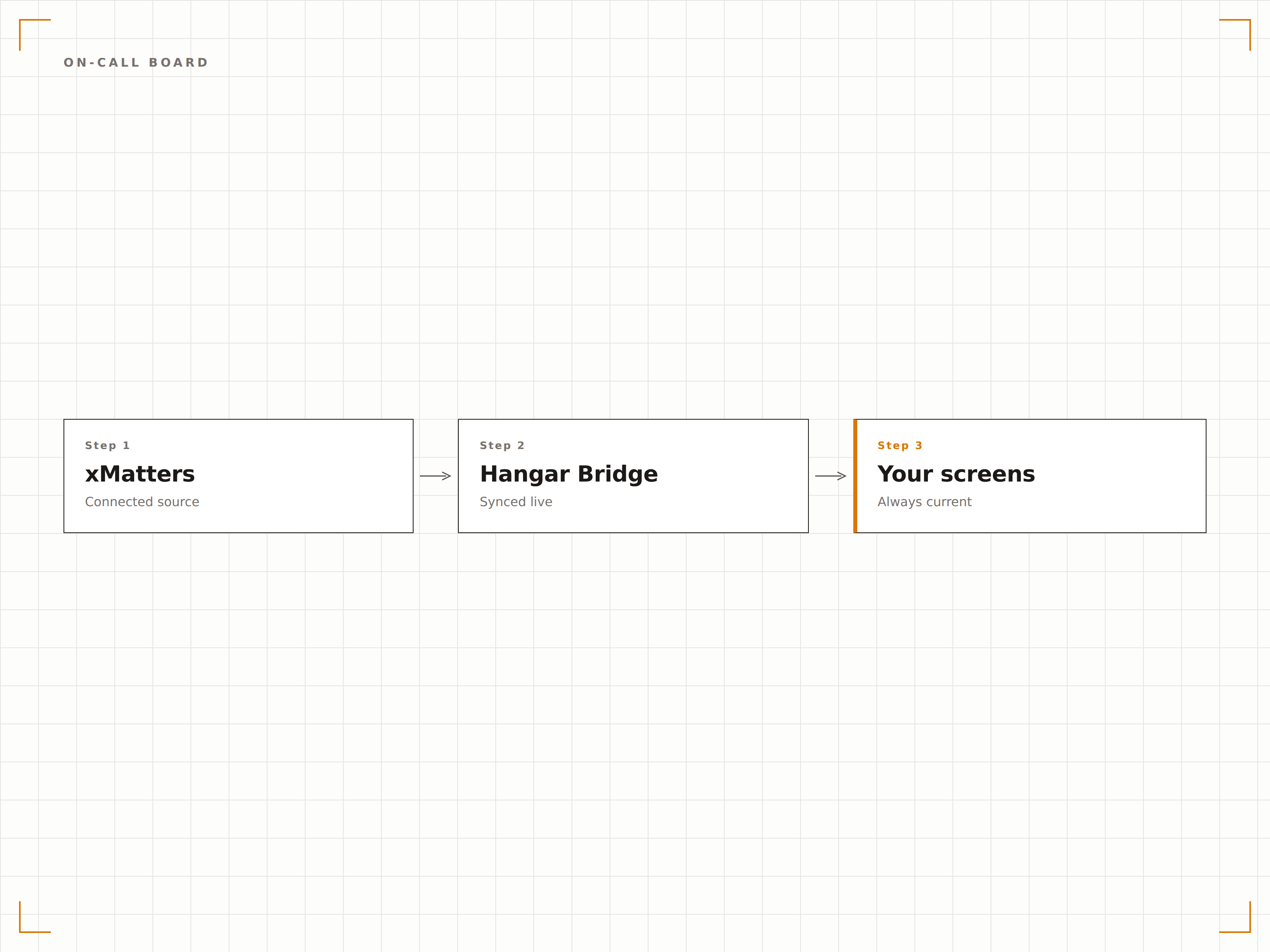
Zeigen Sie für jeden Service und jedes Team an, wer aktuell Bereitschaft hat. Das Bereitschaftsboard zeigt die aktuellen primären und sekundären Responder, ihre Kontaktdaten und den Zeitpunkt des nächsten Rotationswechsels. Teams wissen jederzeit, wen sie kontaktieren müssen – ohne die xMatters-App zu öffnen.
Wer hat Bereitschaft? Einfach an die Wand schauen.
Aktuelle primäre und sekundäre Bereitschaftspersonen
Nächster Rotationswechsel und kommende Bereitschaftsperson
Teamkontaktdaten für die direkte Kommunikation
Eskalations-Timeline und Reaktionsverfolgung
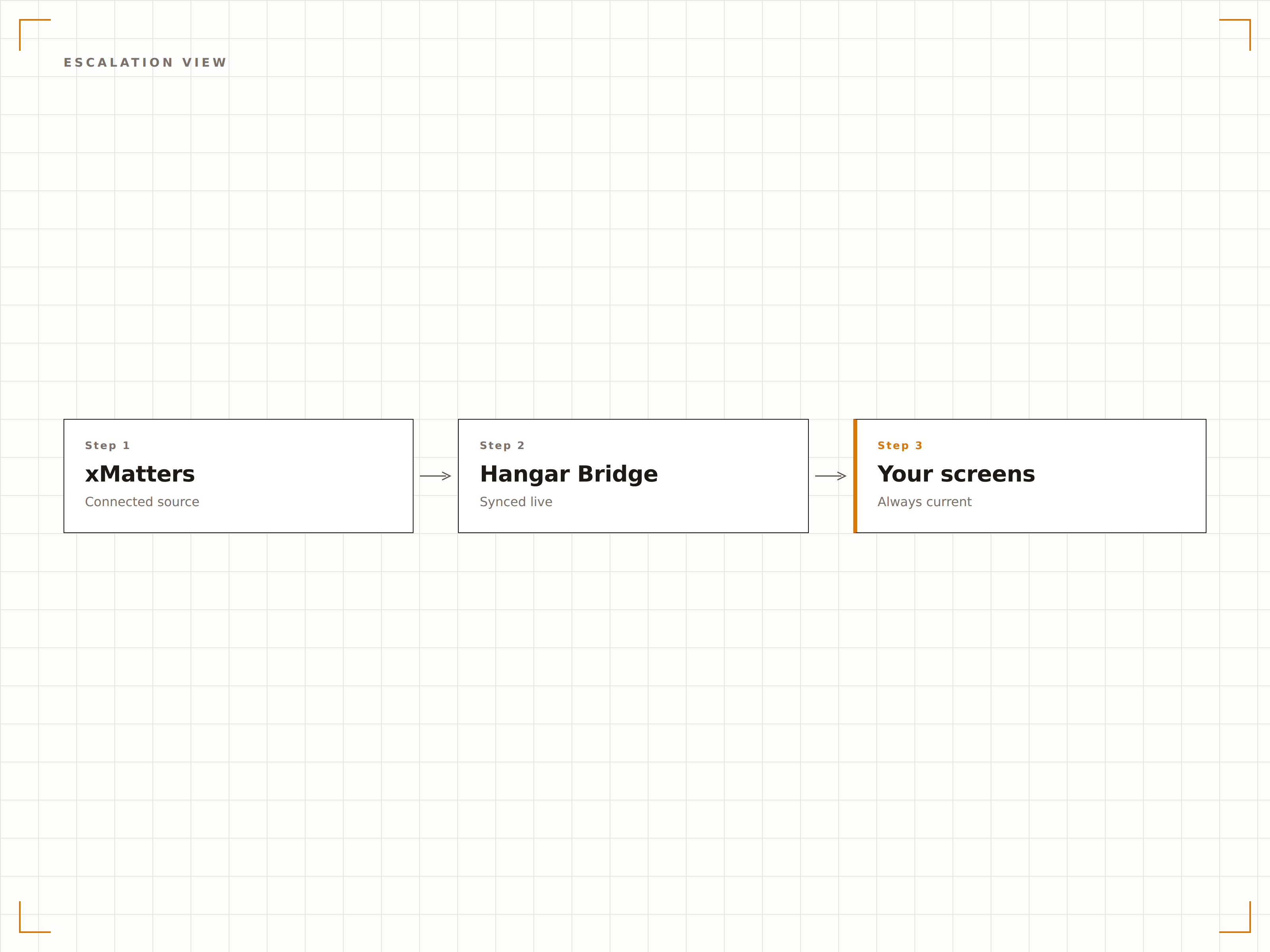
Zeigen Sie die Eskalations-Timeline für aktive Störungen an: wann der Alarm gesendet wurde, wer ihn erhalten hat, ob er bestätigt wurde und den aktuellen Lösungsstatus. Die Transparenz im Eskalationsprozess hilft Führungskräften, Reaktionsverzögerungen in Echtzeit zu erkennen.
Die Eskalationskette in Echtzeit an der Wand verfolgen.
Schrittweise Visualisierung der Eskalations-Timeline
Bestätigungs- und Reaktionsstatus pro Responder
Eskalationsverzögerungswarnungen bei unbestätigten Alarmen
Vier Schritte zu verbundene Bildschirme.
Von der Einrichtung bis zu Live-Inhalten in Minuten, nicht Tagen.
xMatters verbinden
Verknüpfen Sie Ihre xMatters-Instanz mit Hangar.Media über einen API-Schlüssel oder eine Webhook-Integration aus Ihrem xMatters-Administrationsbereich.
Services zur Überwachung auswählen
Wählen Sie, welche xMatters-Services, Gruppen und Bereitschaftspläne auf Ihren Signage-Bildschirmen angezeigt werden sollen.
Anzeigelayout einrichten
Erstellen Sie Dashboard-Layouts, die Störungsmeldungen, Bereitschaftspläne und Eskalations-Timelines auf jedem Bildschirm kombinieren.
Auf Operations-Bildschirmen veröffentlichen
Weisen Sie xMatters-Dashboards Ihren NOC-, Operations-Center- und IT-Flächenbildschirmen zu – und die Live-Daten beginnen sofort zu fliessen.
Entwickelt für jeden Branche.
Erfahren Sie, wie verschiedene Branchen diese Integration nutzen, um Ergebnisse zu erzielen.
NOC-Störungsanzeigen
Zeigen Sie aktive Störungsmeldungen und Bereitschaftspläne auf NOC-Wandbildschirmen an – für kontinuierliche Transparenz über Service-Gesundheit und Störungsbehebung.
FinanzwesenOperations-Alarme im Handelsbereich
Zeigen Sie kritische Systemstörungsmeldungen und Bereitschaftsinformationen des Technologieteams auf Operations-Bildschirmen im Handelsbereich an.
GesundheitswesenÜberwachung klinischer Systeme
Zeigen Sie Störungsmeldungen klinischer Systeme und IT-Bereitschaftspersonen auf Bildschirmen in Technologie-Operations-Centern im Gesundheitswesen an.
UnterhaltungÜberwachung des Sendebetriebs
Zeigen Sie Sendesystemalarme und technische Bereitschaftspläne auf Bildschirmen in Betriebs-Kontrollräumen für Medien und Rundfunk an.
Häufige Fragen. Direkte Antworten.
Wie schnell erscheinen xMatters-Alarme auf den Bildschirmen?
Meldungen erscheinen innerhalb von 10 Sekunden nach der Auslösung in xMatters auf Ihren Digital Signage-Bildschirmen. Die Integration nutzt Webhook-Push-Benachrichtigungen für eine nahezu sofortige Zustellung statt Polling – für minimale Latenz bei kritischen Alarmen.
Kann ich filtern, welche Alarme auf den Bildschirmen erscheinen?
Ja. Sie können angezeigte Alarme nach Service, Schweregrad, Gruppe oder benutzerdefinierten Eigenschaften filtern. NOC-Bildschirme können alle Alarme anzeigen, während Bildschirme in einzelnen Teambereichen nur die für das jeweilige Team relevanten Alarme zeigen.
Werden auch historische Störungsdaten angezeigt?
Die Hauptansicht zeigt aktive Störungen, aber Sie können eine Verlaufsansicht einrichten, die kürzlich behobene Störungen, tägliche Störungszahlen und MTTR-Trends anzeigt. Historische Daten werden über die xMatters Reporting-API abgerufen.
Kann ich xMatters mit ServiceNow-Daten auf demselben Bildschirm integrieren?
Ja. Hangar.Media unterstützt Dashboards mit mehreren Datenquellen. Sie können xMatters-Alarmdaten mit ServiceNow-Störungsdaten, Infrastruktur-Monitoring und weiteren Quellen auf einem einzigen Operations-Center-Bildschirm kombinieren.
Ein Preis. Die gesamte Plattform.
So stellen wir uns Digital Signage vor. Inhaltseditor, Bildschirmverwaltung und 200+ App-Integrationen – alles von Anfang an inklusive.
14 Tage kostenlos, bis zu 3 Bildschirme – keine Kreditkarte erforderlich.