Contenido de SharePoint más allá del navegador.
Muestra publicaciones de noticias, páginas, bibliotecas de documentos y listas de SharePoint en pantallas de señalización digital para extender tu intranet a cada rincón del lugar de trabajo.
Tu Intranet en Cada Pantalla
SharePoint es la columna vertebral de las intranets corporativas de millones de organizaciones. Hangar.Media extiende tu contenido de SharePoint a pantallas de señalización digital para que publicaciones de noticias, actualizaciones de políticas y páginas corporativas lleguen a los empleados que no trabajan frente a un escritorio. Muestra noticias de SharePoint, resúmenes de documentos y contenido de páginas en pantallas de vestíbulos, salas de descanso y áreas de producción.
Lo que puedes hacer con más allá del navegador.
Tres capacidades que hacen esencial esta integración para tu red de señalización digital.
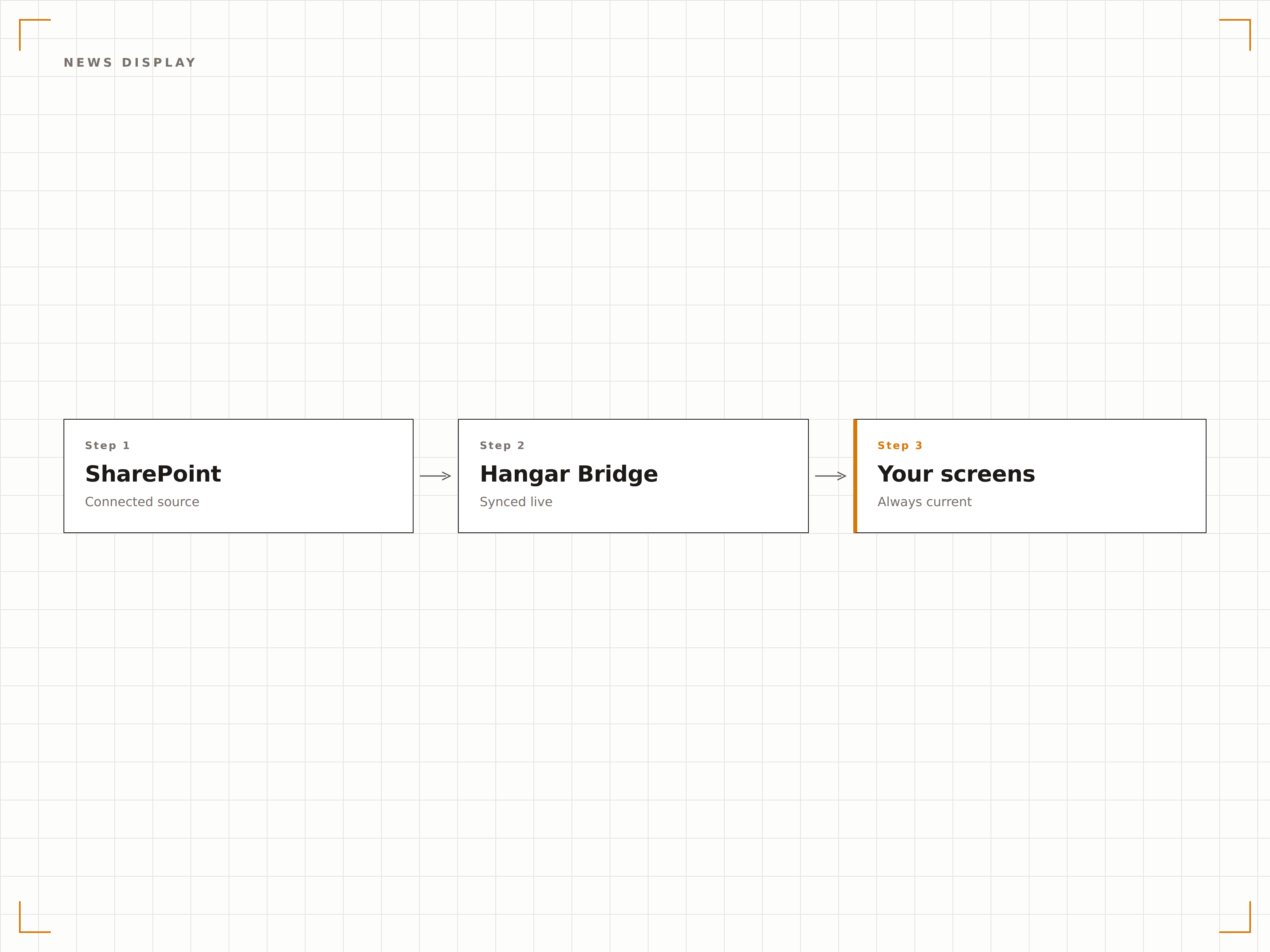
Noticias de SharePoint en señalización digital
Las publicaciones de noticias de SharePoint son el principal medio que utilizan muchas organizaciones para compartir novedades corporativas. Hangar.Media obtiene estas publicaciones y las muestra en pantallas de señalización digital con imágenes, titulares y resúmenes en un diseño limpio y fácil de leer.
Noticias de la intranet que llegan a todos, no solo a quienes han iniciado sesión.
Visualización automática de publicaciones de noticias desde los sitios seleccionados
Formato de imágenes y titulares para señalización digital
Ordenación cronológica o por publicaciones destacadas
Documentos recientes en pantalla
Muestra en pantallas de señalización digital los documentos modificados o subidos recientemente desde las bibliotecas de SharePoint. Los equipos pueden ver cuándo se publican nuevas políticas, procedimientos o documentos de referencia sin necesidad de consultar SharePoint manualmente.
Nuevos documentos, al alcance de todo el equipo.
Listados de archivos modificados recientemente
Feed de actividad de la biblioteca de documentos
Visualización de iconos de tipo de archivo y metadatos
Autenticación con Azure AD
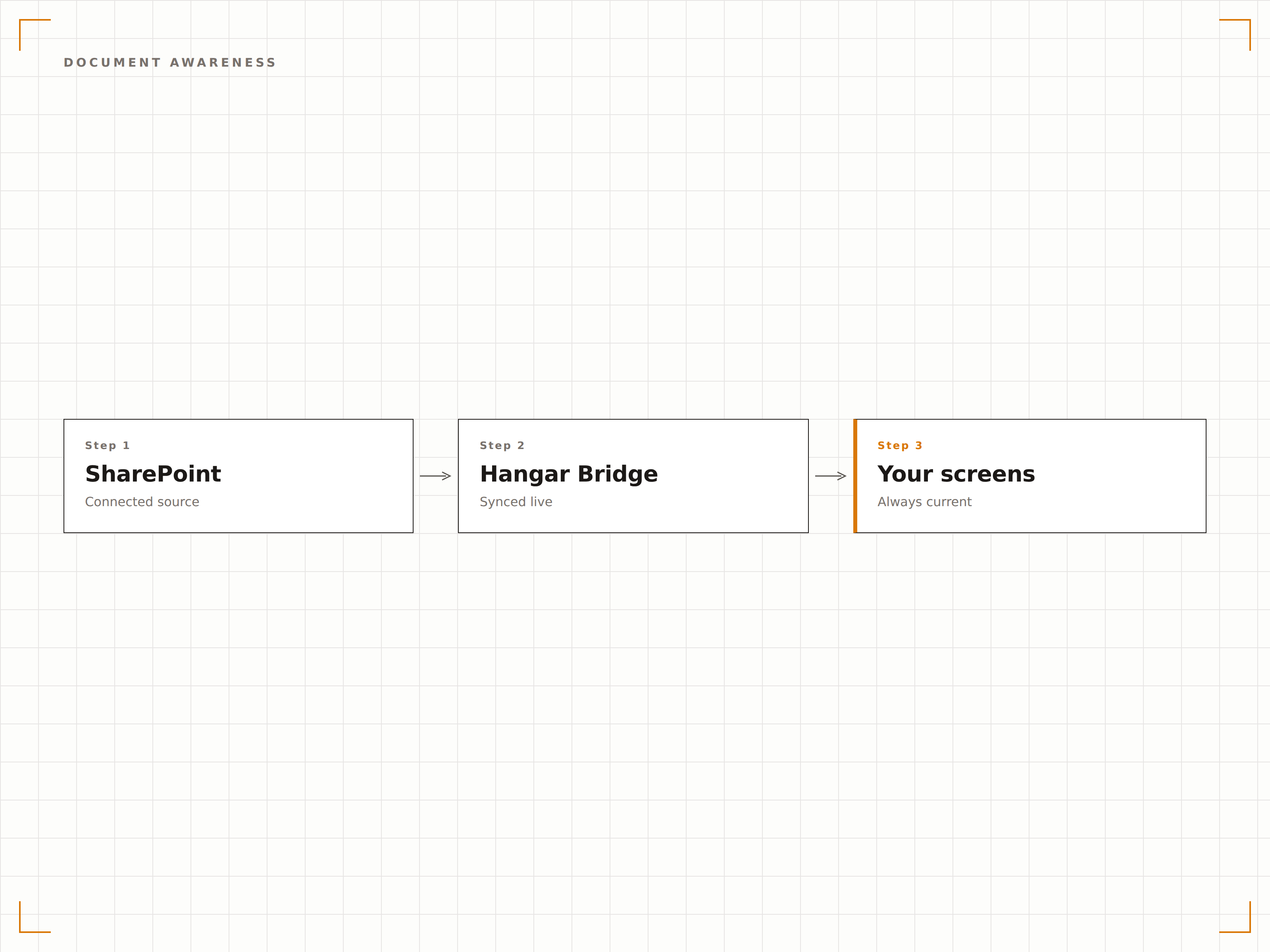
Hangar.Media se conecta a SharePoint mediante autenticación de Azure AD, respetando tus políticas de seguridad y controles de acceso existentes. Solo el contenido que la cuenta de servicio tiene permiso para ver se muestra en las pantallas de señalización digital.
Las políticas de seguridad de SharePoint se respetan en cada pantalla.
Autenticación mediante entidad de servicio de Azure AD
Acceso al contenido basado en permisos
Compatibilidad con políticas de acceso condicional
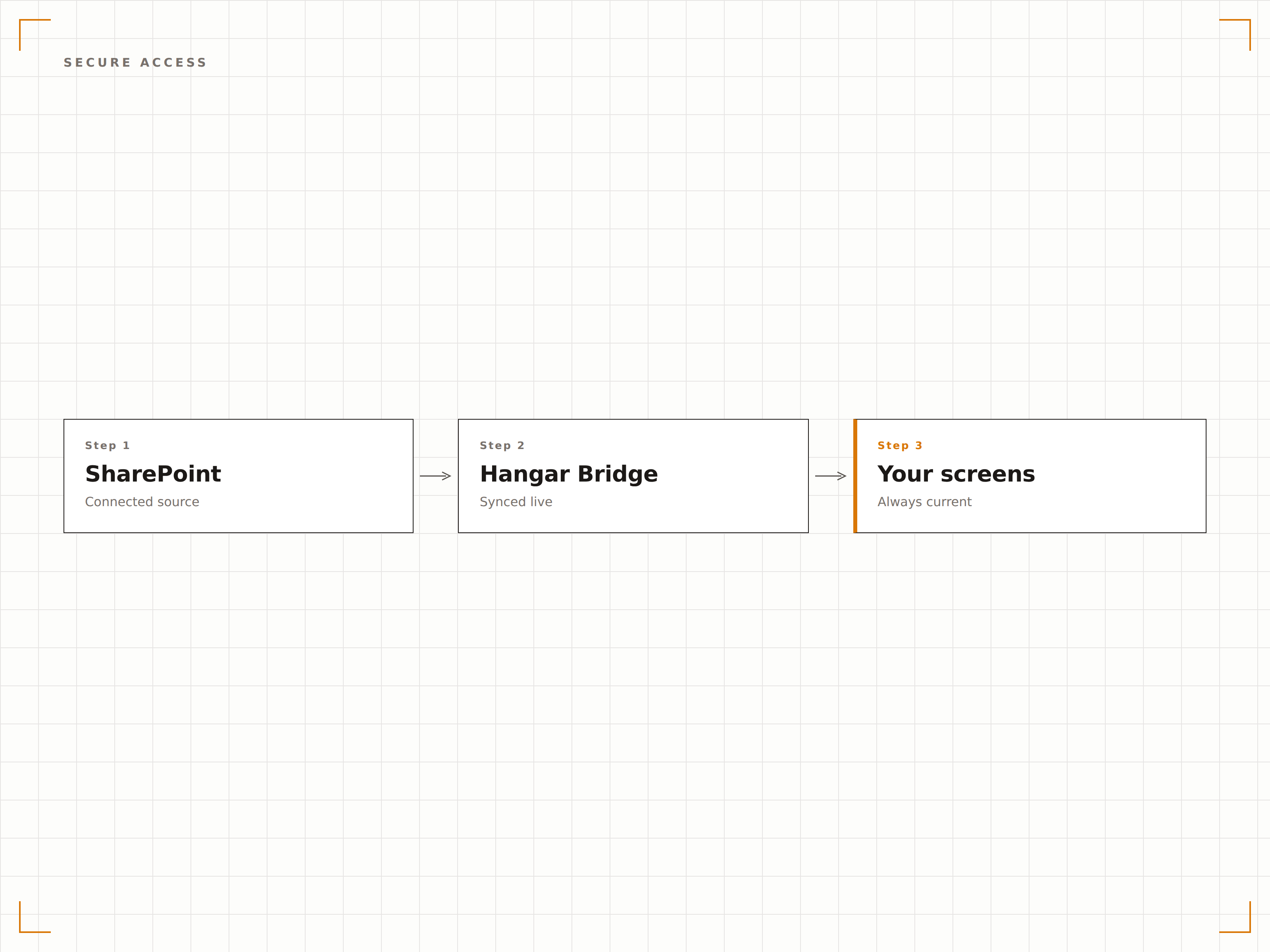
Cuatro pasos hacia pantallas conectadas.
Desde la configuración hasta contenido en vivo en minutos, no en días.
Conectar SharePoint
Autentícate con Azure AD y selecciona los sitios y bibliotecas de SharePoint que deseas mostrar en señalización digital.
Elegir tipos de contenido
Selecciona publicaciones de noticias, páginas, bibliotecas de documentos o listas para mostrar en tus pantallas.
Configurar el diseño
Define el formato de visualización, los intervalos de actualización y las reglas de rotación de contenido para tu contenido de SharePoint.
Publicar
Asigna el contenido de SharePoint a pantallas de recepción, sala de descanso o espacios de trabajo y publícalo.
Diseñado para cada sector.
Descubre cómo distintas industrias utilizan esta integración para obtener resultados.
Panel de noticias de la intranet
Muestra las últimas publicaciones de noticias de SharePoint en pantallas de recepción y áreas comunes para que las novedades de la empresa lleguen a cada empleado que pasa por el edificio.
SanidadVisualización de actualizaciones de políticas
Muestra las políticas clínicas y los documentos de procedimientos actualizados recientemente desde SharePoint en pantallas de áreas de personal y salas de formación.
EducaciónIntranet del personal en pantalla
Muestra noticias de la intranet del personal universitario, actualizaciones de RRHH y comunicados departamentales desde SharePoint en pantallas de salas comunes para docentes y personal.
CorporativoActualizaciones en planta de producción
Muestra boletines de seguridad, programas de producción y avisos de calidad desde SharePoint en pantallas instaladas en la planta de producción.
Preguntas frecuentes. Respuestas directas: respuestas.
¿Puedo mostrar páginas de SharePoint Online y locales?
Hangar.Media es totalmente compatible con SharePoint Online (Microsoft 365). Para SharePoint Server local, puedes usar la función de Paneles Autenticados para acceder a las páginas de tu intranet a través del reproductor de señalización digital.
¿Cómo funciona la autenticación?
Hangar.Media utiliza el registro de aplicaciones de Azure AD con permisos delegados o de aplicación. Tú controlas a qué sitios de SharePoint puede acceder la aplicación mediante el consentimiento de administrador de Azure AD. El contenido se renderiza localmente en el dispositivo reproductor.
¿Puedo mostrar contenido de varios sitios de SharePoint?
Sí. Puedes obtener noticias y páginas de múltiples sitios de SharePoint y mostrarlas en una única rotación en tu pantalla de señalización digital. Cada fuente de contenido puede tener su propio intervalo de actualización y duración de visualización.
¿Qué ocurre con las web parts y las páginas personalizadas de SharePoint?
Hangar.Media puede renderizar páginas completas de SharePoint, incluidas las web parts, en pantallas de señalización digital. Para obtener los mejores resultados, crea páginas de señalización dedicadas en SharePoint con diseños simplificados y optimizados para visualización en pantallas grandes.
Un precio. La plataforma completa.
Así es como creemos que debe funcionar la señalización digital. Editor de contenido, gestión de pantallas y más de 200 integraciones de aplicaciones — todo incluido desde el primer día.
14 días gratis, hasta 3 pantallas — sin tarjeta.