Conteúdo do SharePoint além do navegador.
Exiba notícias, páginas, bibliotecas de documentos e listas do SharePoint em telas de sinalização digital para levar sua intranet a cada canto do ambiente de trabalho.
Sua Intranet em Cada Tela
O SharePoint é a espinha dorsal das intranets corporativas de milhões de organizações. O Hangar.Media leva seu conteúdo do SharePoint às telas de sinalização digital para que notícias, atualizações de políticas e páginas da empresa cheguem aos colaboradores que não trabalham em frente a um computador. Exiba notícias do SharePoint, resumos de documentos e conteúdo de páginas em telas de lobbies, salas de descanso e áreas de produção.
O que você pode fazer com além do navegador.
Três capacidades que tornam esta integração essencial para a sua rede de sinalização digital.
Notícias do SharePoint na Sinalização Digital
As publicações de notícias do SharePoint são a principal forma como muitas organizações compartilham atualizações corporativas. O Hangar.Media busca essas publicações e as exibe em telas de sinalização digital com imagens, títulos e resumos em um layout limpo e de fácil leitura.
Notícias da intranet que alcançam todos, não apenas quem está logado.
Exibição automática de publicações de notícias dos sites selecionados
Formatação de imagens e títulos para sinalização digital
Ordenação cronológica ou por fixação de notícias
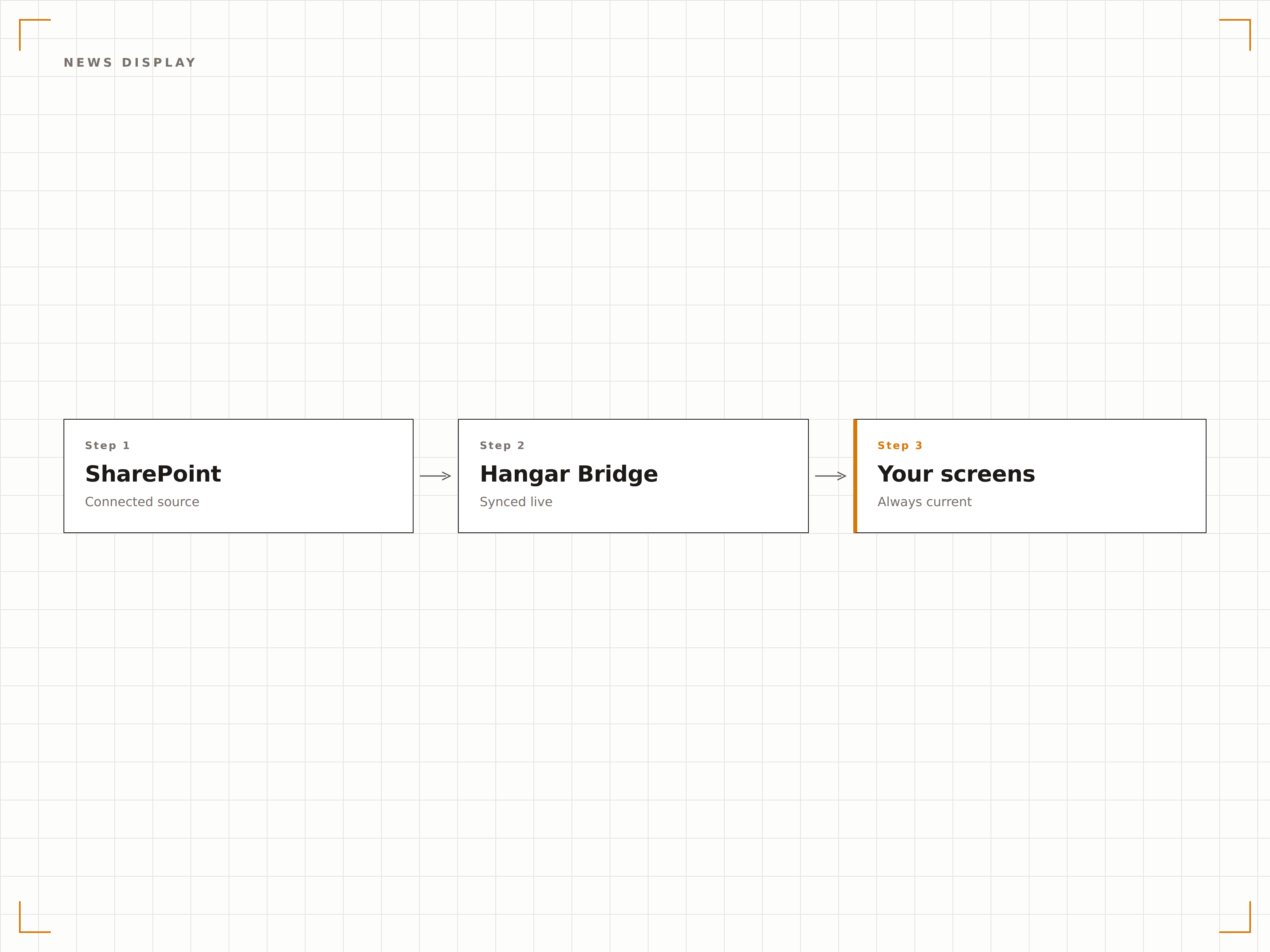
Documentos Recentes na Tela
Exiba documentos recentemente modificados ou enviados das bibliotecas do SharePoint em telas de sinalização digital. As equipes podem ver quando novas políticas, procedimentos ou documentos de referência são publicados sem precisar acessar o SharePoint manualmente.
Novos documentos, percebidos por toda a equipe.
Listagem de arquivos modificados recentemente
Feed de atividades da biblioteca de documentos
Exibição de ícones de tipo de arquivo e metadados
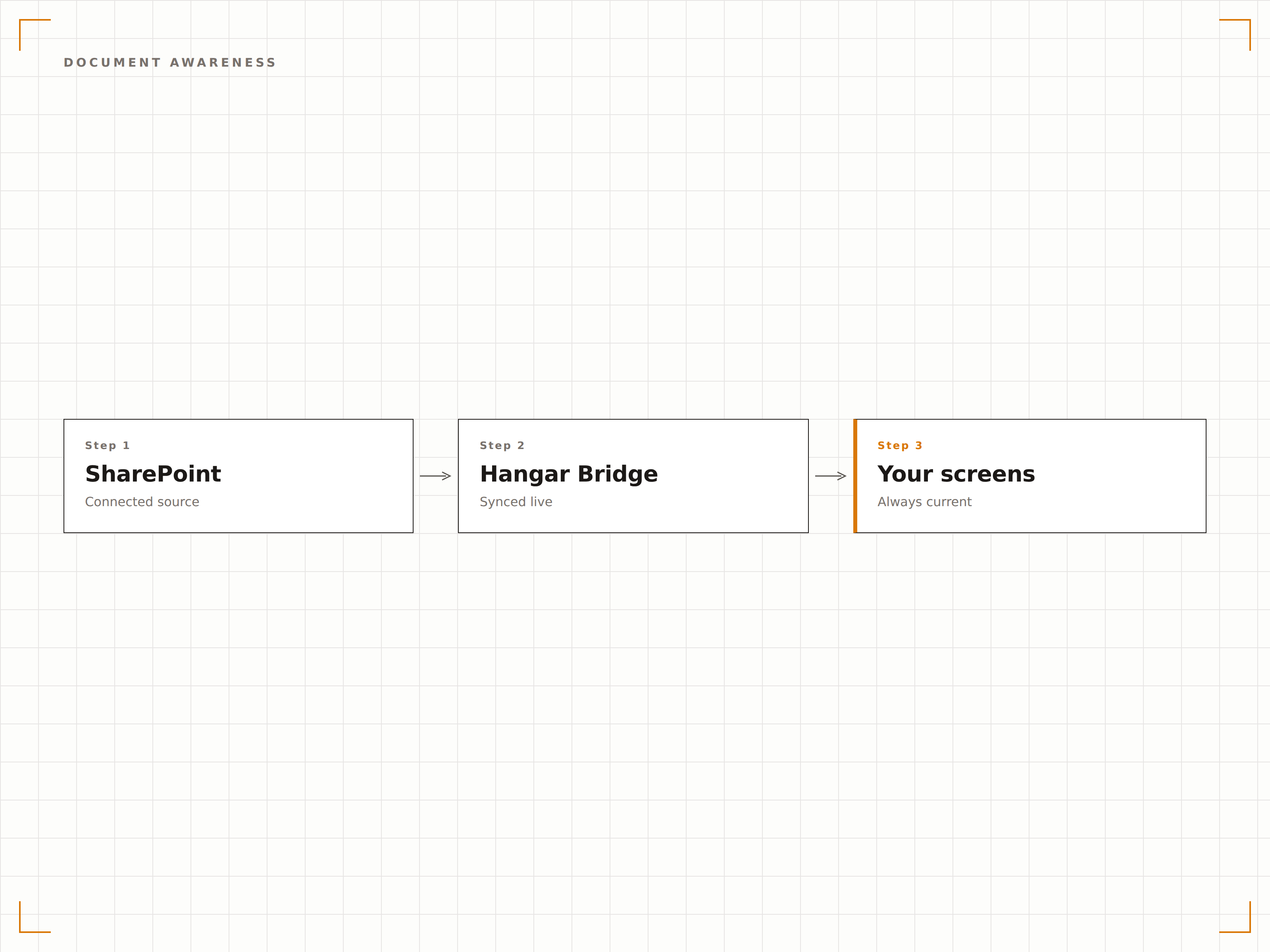
Autenticação com Azure AD
O Hangar.Media se conecta ao SharePoint usando autenticação via Azure AD, respeitando suas políticas de segurança e controles de acesso existentes. Apenas o conteúdo que a conta de serviço tem permissão para visualizar é exibido nas telas de sinalização digital.
Políticas de segurança do SharePoint respeitadas em cada tela.
Autenticação via service principal do Azure AD
Acesso ao conteúdo baseado em permissões
Compatibilidade com políticas de acesso condicional
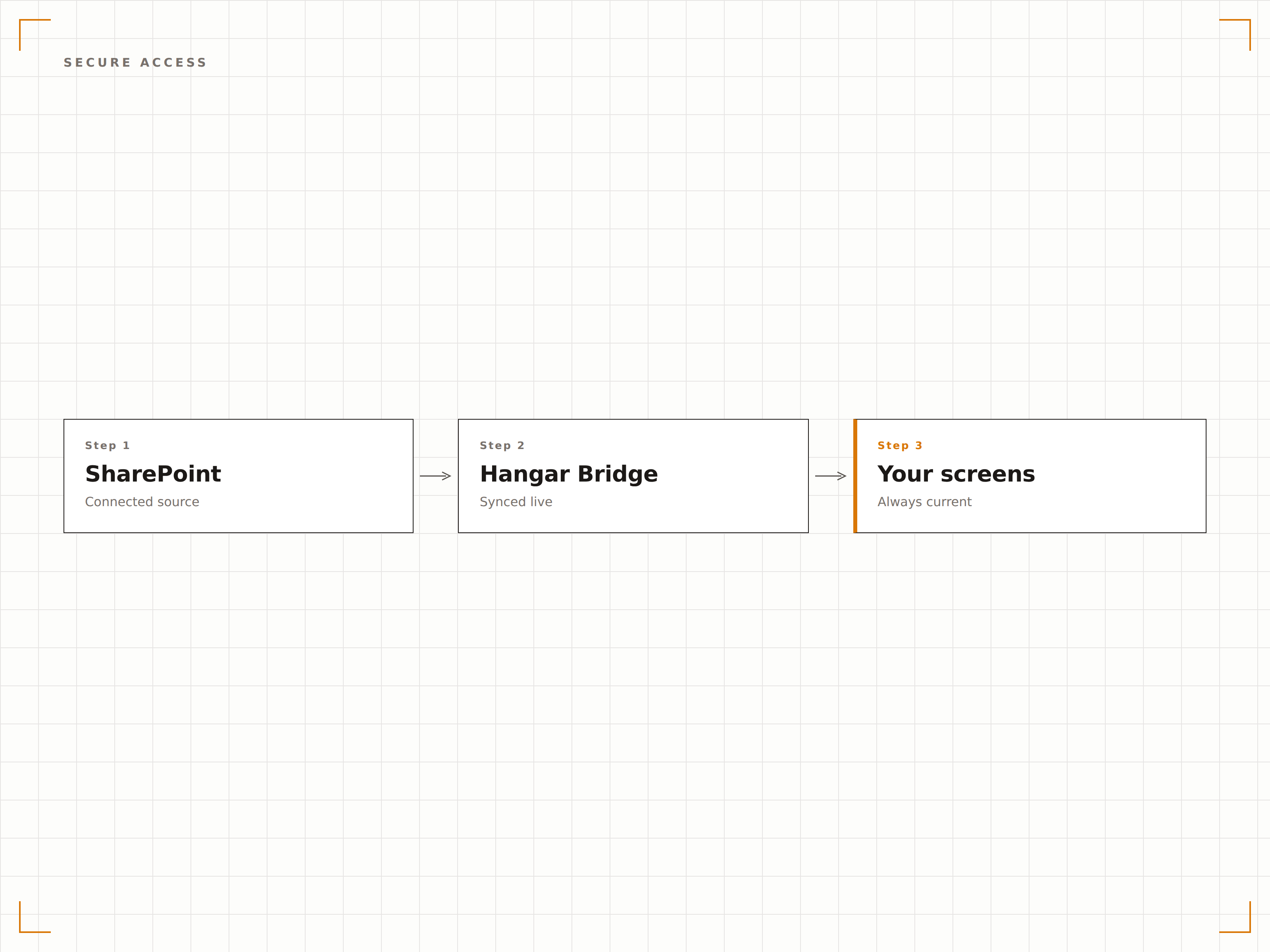
Quatro etapas para telas conectadas.
Da configuração ao conteúdo ao vivo em minutos, não dias.
Conectar ao SharePoint
Autentique-se com o Azure AD e selecione os sites e bibliotecas do SharePoint que deseja exibir na sinalização digital.
Escolher Tipos de Conteúdo
Selecione publicações de notícias, páginas, bibliotecas de documentos ou listas para exibir nas suas telas.
Configurar Layout
Defina a formatação de exibição, os intervalos de atualização e as regras de rotação de conteúdo para o seu conteúdo do SharePoint.
Publicar
Atribua o conteúdo do SharePoint a telas de lobby, salas de descanso ou espaços de trabalho e publique.
Feito para cada setor.
Veja como diferentes segmentos utilizam esta integração para gerar resultados.
Mural de Notícias da Intranet
Exiba as publicações de notícias mais recentes do SharePoint em telas de lobby e áreas comuns para que as novidades da empresa cheguem a todos os colaboradores que circulam pelo espaço.
SaúdeExibição de Atualizações de Políticas
Exiba políticas clínicas e documentos de procedimentos recentemente atualizados do SharePoint em telas nas áreas de equipe e salas de treinamento.
EducaçãoIntranet da Equipe na Tela
Exiba notícias da intranet para funcionários universitários, atualizações de RH e comunicados departamentais do SharePoint em telas nas áreas comuns de docentes e colaboradores.
CorporativoAtualizações no Chão de Fábrica
Exiba boletins de segurança, cronogramas de produção e avisos de qualidade do SharePoint em telas no chão de fábrica.
Perguntas frequentes. Respostas diretas respostas.
Posso exibir páginas do SharePoint Online e on-premises?
O Hangar.Media oferece suporte completo ao SharePoint Online (Microsoft 365). Para o SharePoint Server local (on-premises), você pode usar o recurso de Dashboards Autenticados para acessar suas páginas de intranet pelo player de sinalização digital.
Como funciona a autenticação?
O Hangar.Media utiliza o registro de aplicativo no Azure AD com permissões delegadas ou de aplicação. Você controla quais sites do SharePoint o aplicativo pode acessar por meio do consentimento de administrador do Azure AD. O conteúdo é renderizado localmente no dispositivo player.
Posso exibir conteúdo de múltiplos sites do SharePoint?
Sim. Você pode buscar notícias e páginas de múltiplos sites do SharePoint e exibi-las em uma única rotação na sua tela de sinalização digital. Cada fonte de conteúdo pode ter seu próprio intervalo de atualização e duração de exibição.
E quanto às web parts e páginas personalizadas do SharePoint?
O Hangar.Media consegue renderizar páginas completas do SharePoint, incluindo web parts, em telas de sinalização digital. Para melhores resultados, crie páginas dedicadas à sinalização digital no SharePoint com layouts simplificados e otimizados para visualização em telas grandes.
Um preço. A plataforma completa.
É assim que acreditamos que a sinalização digital deve funcionar. Editor de conteúdo, gerenciamento de telas e mais de 200 integrações de aplicativos — tudo incluído desde o primeiro dia.
14 dias grátis, até 3 telas — sem cartão.