Le contenu SharePoint au-delà du navigateur.
Affichez des actualités SharePoint, des pages, des bibliothèques de documents et des listes sur des écrans d'affichage dynamique pour étendre votre intranet à chaque recoin de l'entreprise.
Votre intranet sur chaque écran
SharePoint est l'épine dorsale des intranets d'entreprise pour des millions d'organisations. Hangar.Media étend votre contenu SharePoint aux écrans d'affichage dynamique, afin que les actualités, les mises à jour de politiques et les pages d'entreprise atteignent les collaborateurs qui ne travaillent pas à un bureau. Affichez des actualités SharePoint, des résumés de documents et du contenu de pages sur les écrans des halls d'accueil, des salles de pause et des zones de production.
Ce que vous pouvez faire avec au-delà du navigateur.
Trois fonctionnalités qui rendent cette intégration indispensable pour votre réseau d'affichage dynamique.
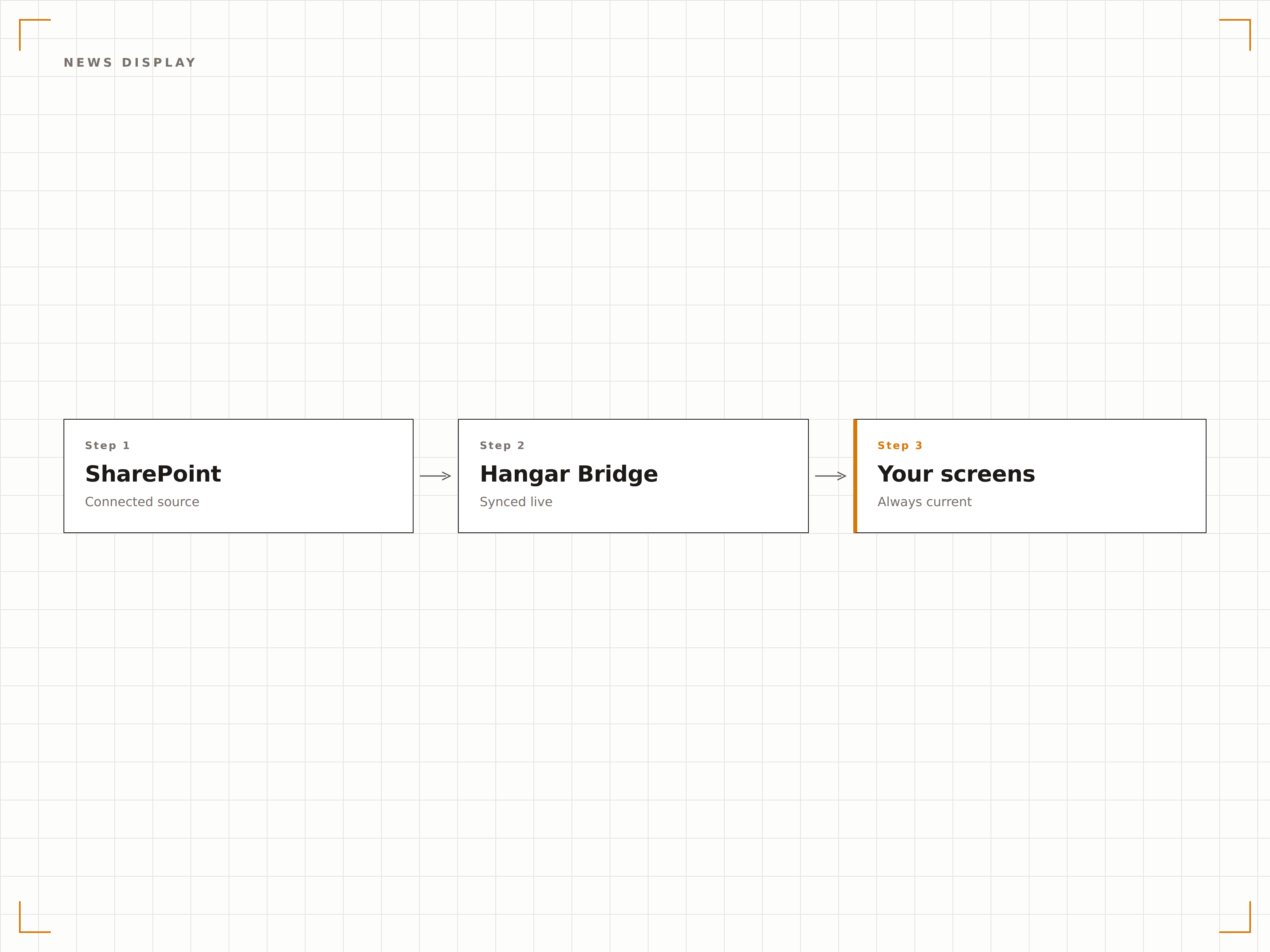
Actualités SharePoint sur l'affichage dynamique
Les actualités SharePoint sont le principal vecteur de communication interne pour de nombreuses organisations. Hangar.Media récupère ces actualités et les affiche sur des écrans d'affichage dynamique avec images, titres et résumés dans une mise en page claire et lisible.
Des actualités intranet qui touchent tout le monde, pas seulement les utilisateurs connectés.
Affichage automatique des actualités depuis les sites sélectionnés
Mise en forme des images et des titres pour l'affichage dynamique
Classement des actualités par ordre chronologique ou épinglées
Documents récents à l'écran
Affichez les documents récemment modifiés ou téléversés depuis les bibliothèques SharePoint sur vos écrans d'affichage dynamique. Les équipes peuvent voir en temps réel la publication de nouvelles politiques, procédures ou documents de référence, sans avoir à consulter SharePoint manuellement.
Les nouveaux documents, remarqués par toute l'équipe.
Listes des fichiers récemment modifiés
Fil d'activité des bibliothèques de documents
Affichage des icônes de type de fichier et des métadonnées
Authentification Azure AD
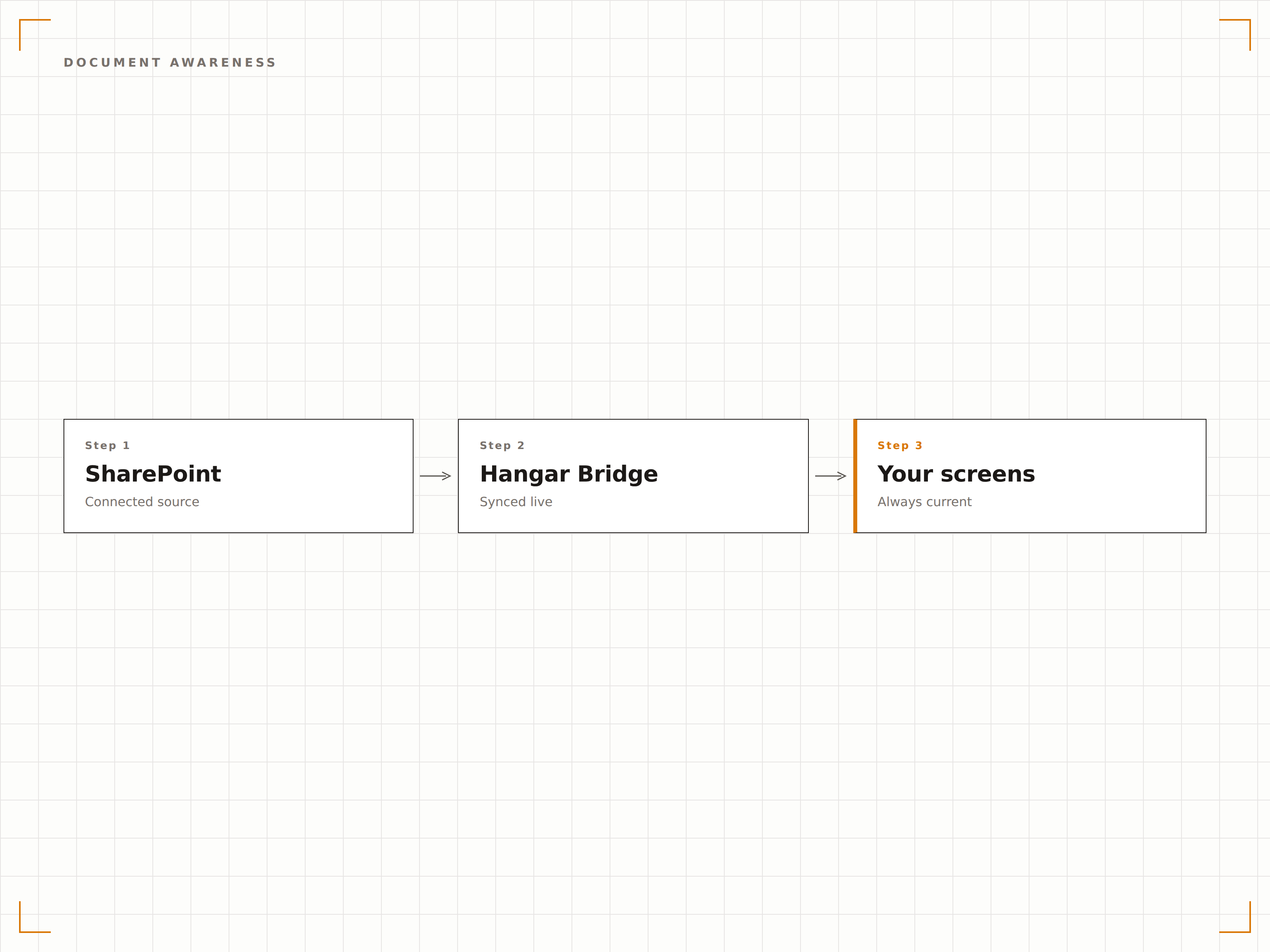
Hangar.Media se connecte à SharePoint via l'authentification Azure AD, en respectant vos politiques de sécurité et contrôles d'accès existants. Seul le contenu que le compte de service est autorisé à consulter est affiché sur les écrans d'affichage dynamique.
Les politiques de sécurité SharePoint respectées sur chaque écran.
Authentification par principal de service Azure AD
Accès au contenu basé sur les autorisations
Compatibilité avec les politiques d'accès conditionnel
Quatre étapes vers écrans connectés.
De la configuration au contenu en direct en quelques minutes, pas en jours.
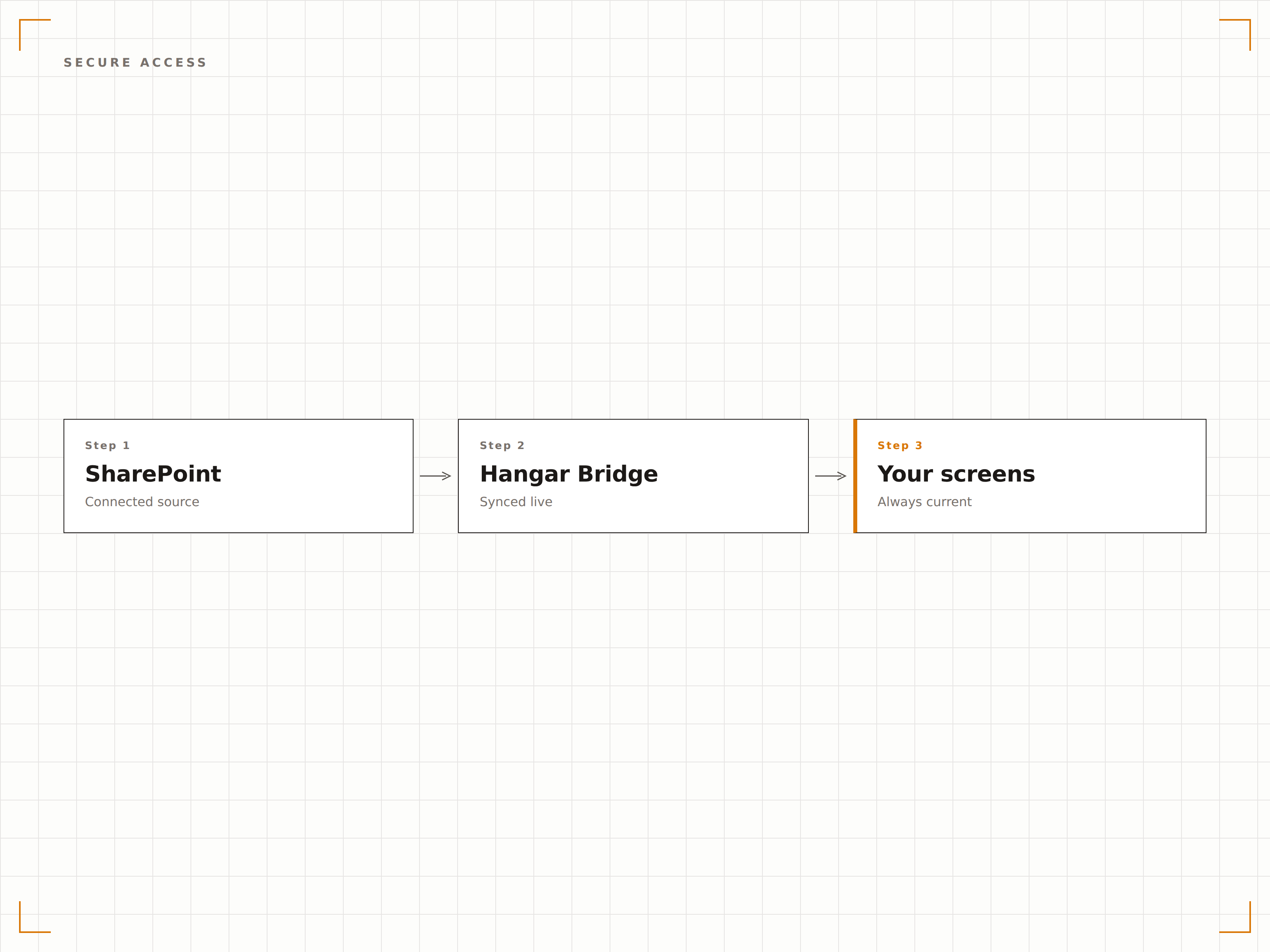
Connecter SharePoint
Authentifiez-vous via Azure AD et sélectionnez les sites et bibliothèques SharePoint à afficher sur vos écrans d'affichage dynamique.
Choisir les types de contenu
Sélectionnez les actualités, pages, bibliothèques de documents ou listes à afficher sur vos écrans.
Configurer la mise en page
Définissez le formatage d'affichage, les intervalles d'actualisation et les règles de rotation du contenu pour votre contenu SharePoint.
Publier
Assignez le contenu SharePoint aux écrans de hall d'accueil, de salle de pause ou d'espace de travail, puis publiez.
Conçu pour chaque secteur.
Découvrez comment différents secteurs utilisent cette intégration pour obtenir des résultats.
Tableau d'actualités intranet
Affichez les dernières actualités SharePoint sur les écrans des halls d'accueil et des espaces communs, afin que chaque collaborateur traversant le bâtiment reste informé.
SantéAffichage des mises à jour de politiques
Affichez les politiques cliniques et documents de procédures récemment mis à jour depuis SharePoint sur les écrans des espaces du personnel et des salles de formation.
ÉducationIntranet du personnel à l'écran
Affichez les actualités de l'intranet du personnel universitaire, les mises à jour RH et les annonces départementales depuis SharePoint sur les écrans des espaces communs des enseignants et du personnel.
EntrepriseMises à jour en atelier de production
Affichez les bulletins de sécurité, les plannings de production et les avis qualité depuis SharePoint sur les écrans de l'atelier de production.
Questions fréquentes. Réponses directes : réponses.
Puis-je afficher des pages SharePoint Online et en local ?
Hangar.Media prend entièrement en charge SharePoint Online (Microsoft 365). Pour SharePoint Server en local, vous pouvez utiliser la fonctionnalité Authenticated Dashboards pour accéder à vos pages intranet via le lecteur d'affichage dynamique.
Comment fonctionne l'authentification ?
Hangar.Media utilise l'inscription d'application Azure AD avec des autorisations déléguées ou applicatives. Vous contrôlez les sites SharePoint auxquels l'application peut accéder via le consentement administrateur Azure AD. Le contenu est rendu localement sur le périphérique lecteur.
Puis-je afficher du contenu provenant de plusieurs sites SharePoint ?
Oui. Vous pouvez récupérer des actualités et des pages depuis plusieurs sites SharePoint et les afficher dans une rotation unique sur votre écran d'affichage dynamique. Chaque source de contenu peut avoir son propre intervalle d'actualisation et sa propre durée d'affichage.
Qu'en est-il des composants WebPart et des pages personnalisées SharePoint ?
Hangar.Media peut restituer des pages SharePoint complètes, y compris les composants WebPart, sur des écrans d'affichage dynamique. Pour de meilleurs résultats, créez des pages dédiées à l'affichage dynamique dans SharePoint avec des mises en page simplifiées et optimisées pour les grands écrans.
Un seul tarif. La plateforme complète.
C'est ainsi que nous pensons que l'affichage dynamique devrait fonctionner. Éditeur de contenu, gestion des écrans et plus de 200 intégrations d'applications — tout inclus dès le premier jour.
14 jours gratuits, jusqu'à 3 écrans — sans carte bancaire.