Contenuti SharePoint oltre il browser.
Mostra notizie, pagine, librerie di documenti ed elenchi di SharePoint su schermi di segnaletica digitale per estendere la tua intranet in ogni angolo dell'ambiente di lavoro.
La Tua Intranet su Ogni Schermo
SharePoint è la spina dorsale delle intranet aziendali per milioni di organizzazioni. Hangar.Media estende i tuoi contenuti SharePoint agli schermi di segnaletica digitale, così notizie, aggiornamenti di policy e pagine aziendali raggiungono anche i dipendenti che non lavorano alla scrivania. Mostra notizie SharePoint, riepiloghi di documenti e contenuti di pagina su schermi in reception, sale pausa e aree produttive.
Cosa puoi fare con oltre il browser.
Tre funzionalità che rendono questa integrazione indispensabile per la tua rete di segnaletica digitale.
Notizie SharePoint sulla Segnaletica Digitale
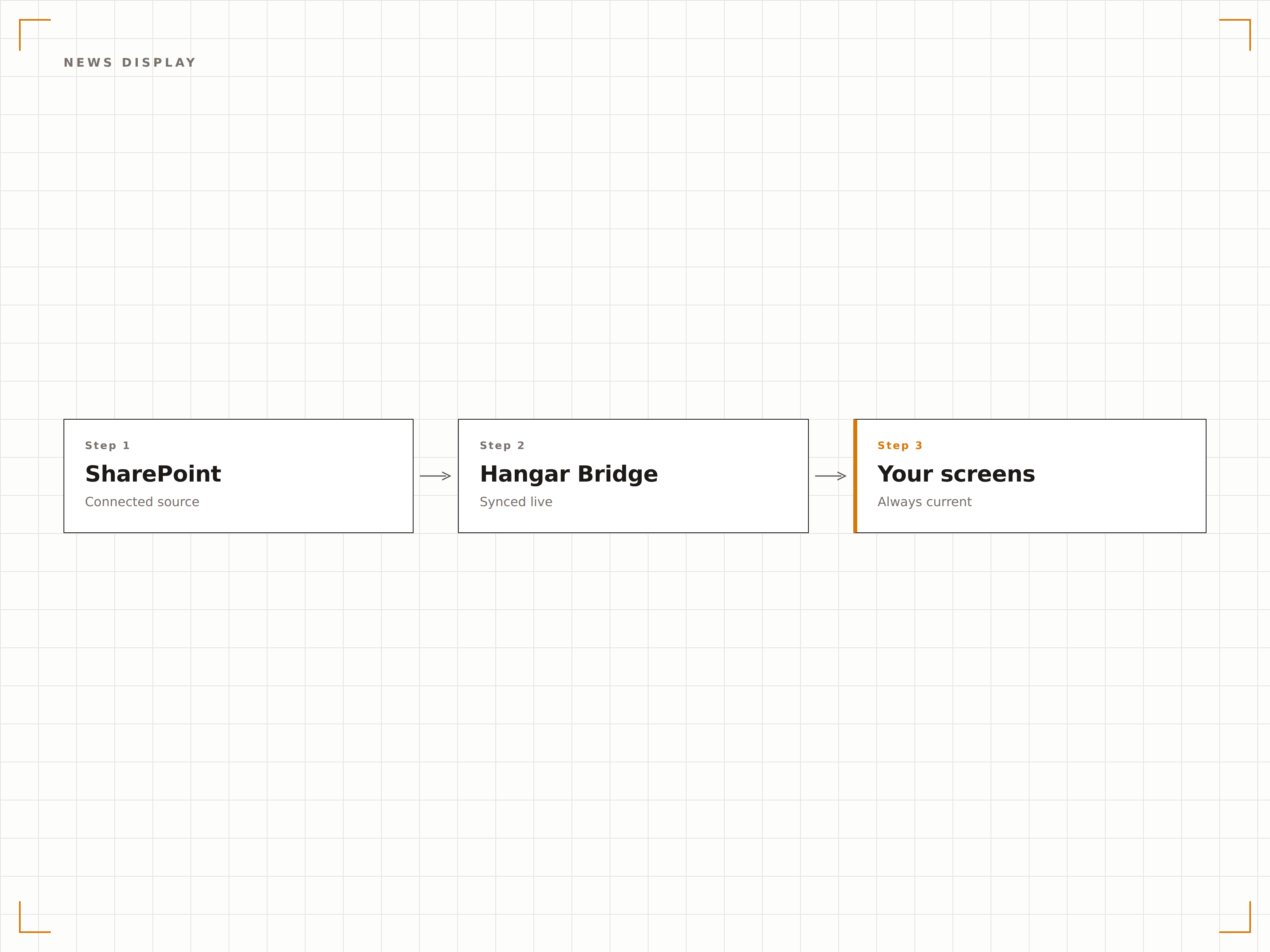
I post di notizie SharePoint sono il principale strumento con cui molte organizzazioni condividono gli aggiornamenti aziendali. Hangar.Media recupera questi post e li visualizza sugli schermi di segnaletica digitale con immagini, titoli e sommari in un layout pulito e leggibile.
Notizie intranet che raggiungono tutti, non solo chi è connesso.
Visualizzazione automatica dei post di notizie dai siti selezionati
Formattazione di immagini e titoli per la segnaletica digitale
Ordinamento cronologico o per post in evidenza
Documenti Recenti sullo Schermo
Mostra sugli schermi di segnaletica digitale i documenti modificati o caricati di recente dalle raccolte SharePoint. I team possono vedere quando vengono pubblicati nuovi documenti su policy, procedure o materiali di riferimento, senza dover controllare SharePoint manualmente.
Nuovi documenti, notati da tutto il team.
Elenco dei file modificati di recente
Feed di attività della raccolta documenti
Visualizzazione di icone dei tipi di file e metadati
Autenticazione Azure AD
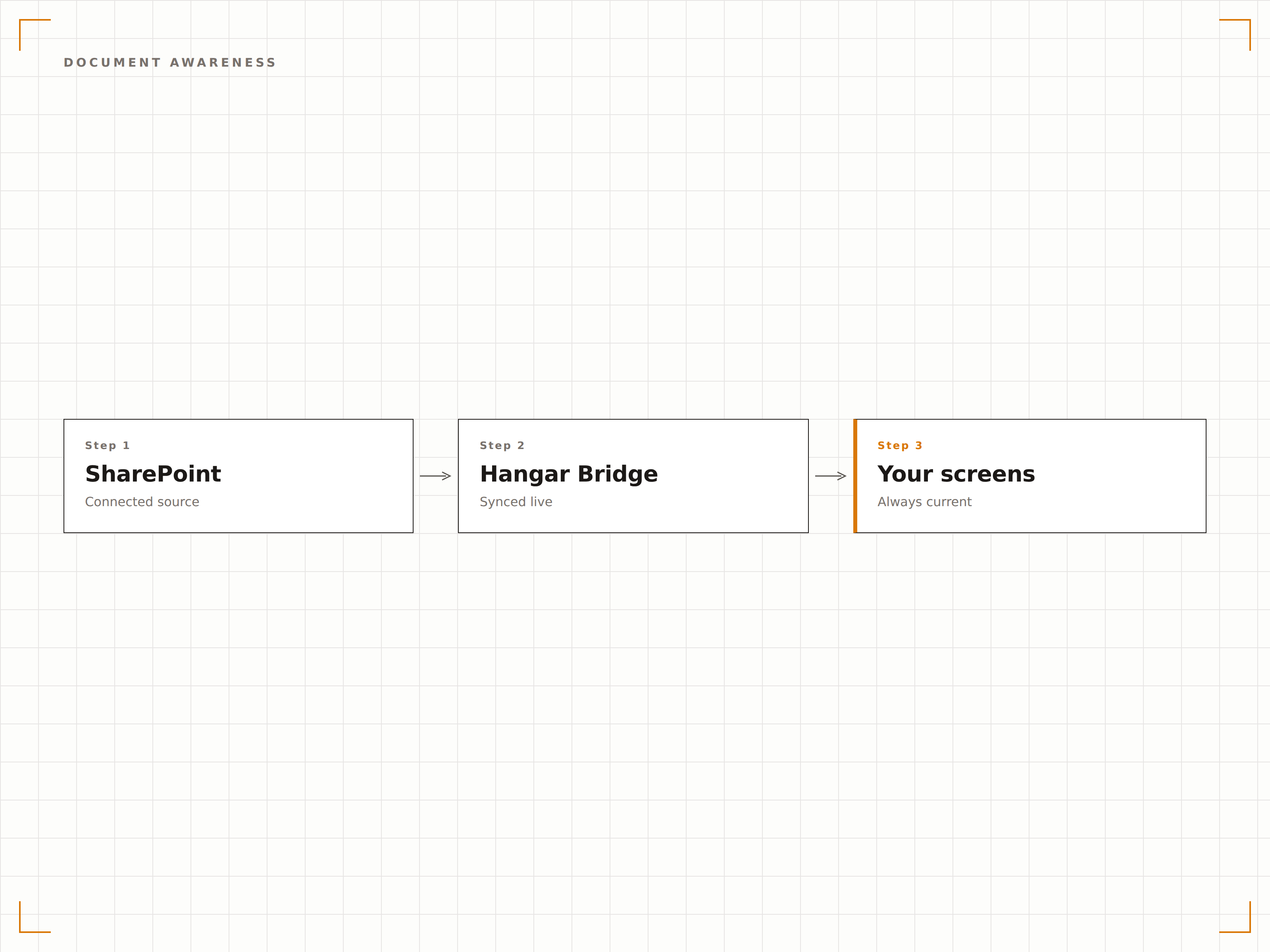
Hangar.Media si connette a SharePoint tramite autenticazione Azure AD, rispettando le policy di sicurezza e i controlli di accesso esistenti. Sugli schermi di segnaletica digitale vengono visualizzati solo i contenuti per cui l'account di servizio dispone delle autorizzazioni di visualizzazione.
Le policy di sicurezza di SharePoint rispettate su ogni schermo.
Autenticazione tramite service principal Azure AD
Accesso ai contenuti basato sui permessi
Compatibilità con le policy di accesso condizionale
Quattro passaggi verso schermi connessi.
Dalla configurazione ai contenuti live in minuti, non giorni.
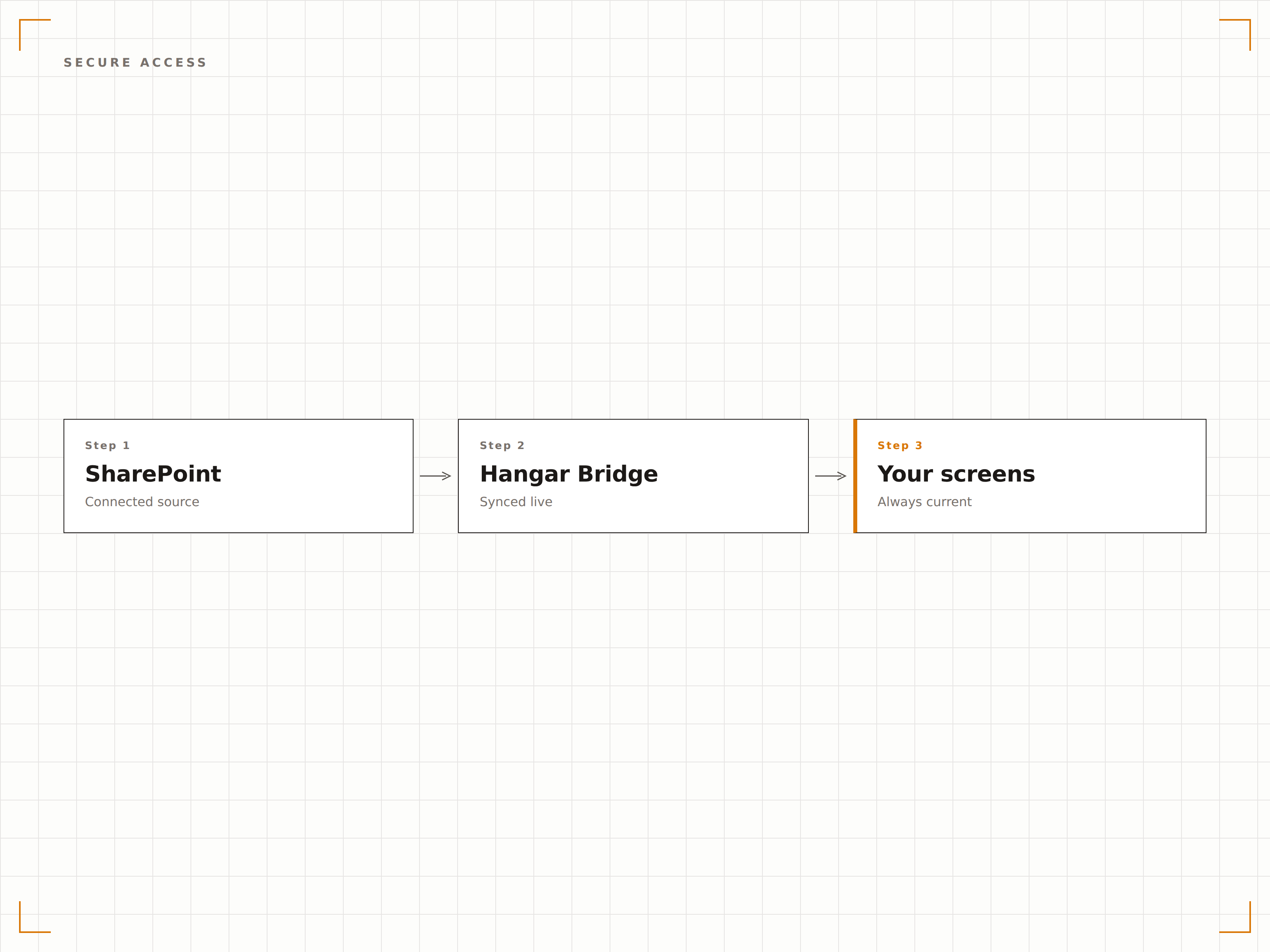
Connetti SharePoint
Autenticati con Azure AD e seleziona i siti e le raccolte SharePoint da visualizzare sulla segnaletica digitale.
Scegli i Tipi di Contenuto
Seleziona post di notizie, pagine, raccolte documenti o elenchi da visualizzare sugli schermi.
Configura il Layout
Imposta la formattazione della visualizzazione, gli intervalli di aggiornamento e le regole di rotazione dei contenuti per i tuoi contenuti SharePoint.
Pubblica
Assegna i contenuti SharePoint agli schermi di reception, sala pausa o spazi di lavoro e pubblica.
Costruito per ogni settore.
Scopri come diversi settori utilizzano questa integrazione per ottenere risultati concreti.
Bacheca Notizie Intranet
Mostra gli ultimi post di notizie SharePoint sugli schermi di reception e nelle aree comuni, così le novità aziendali raggiungono ogni dipendente che transita nell'edificio.
SanitàVisualizzazione Aggiornamenti Policy
Mostra le policy cliniche e i documenti procedurali aggiornati di recente da SharePoint sugli schermi nelle aree del personale e nelle sale formazione.
IstruzioneIntranet del Personale sullo Schermo
Visualizza notizie dall'intranet del personale universitario, aggiornamenti HR e comunicazioni dipartimentali da SharePoint sugli schermi nelle aree comuni di docenti e staff.
AziendaleAggiornamenti per il Reparto Produzione
Mostra bollettini di sicurezza, programmi di produzione e avvisi di qualità da SharePoint sugli schermi nel reparto produzione.
Domande frequenti. Risposte dirette risposte.
Posso visualizzare pagine da SharePoint Online e on-premises?
Hangar.Media supporta pienamente SharePoint Online (Microsoft 365). Per SharePoint Server on-premises, puoi utilizzare la funzionalità Authenticated Dashboards per accedere alle pagine intranet tramite il player di segnaletica digitale.
Come funziona l'autenticazione?
Hangar.Media utilizza la registrazione di app Azure AD con autorizzazioni delegate o applicative. Puoi controllare a quali siti SharePoint l'app può accedere tramite il consenso amministratore di Azure AD. I contenuti vengono renderizzati localmente sul dispositivo player.
Posso mostrare contenuti da più siti SharePoint?
Sì. Puoi recuperare notizie e pagine da più siti SharePoint e visualizzarle in una singola rotazione sullo schermo di segnaletica digitale. Ogni sorgente di contenuto può avere il proprio intervallo di aggiornamento e durata di visualizzazione.
E le web part e le pagine personalizzate di SharePoint?
Hangar.Media è in grado di renderizzare pagine SharePoint complete, incluse le web part, sugli schermi di segnaletica digitale. Per risultati ottimali, crea pagine dedicate alla segnaletica digitale in SharePoint con layout semplificati e ottimizzati per la visualizzazione su grandi schermi.
Un prezzo. L'intera piattaforma.
Così pensiamo che la segnaletica digitale dovrebbe funzionare. Editor di contenuti, gestione degli schermi e oltre 200 integrazioni di app — tutto incluso fin dal primo giorno.
14 giorni gratis, fino a 3 schermi — senza carta.